
|
Do it yourself
| |||
| ||||


Instructions for Removing the Light Switch
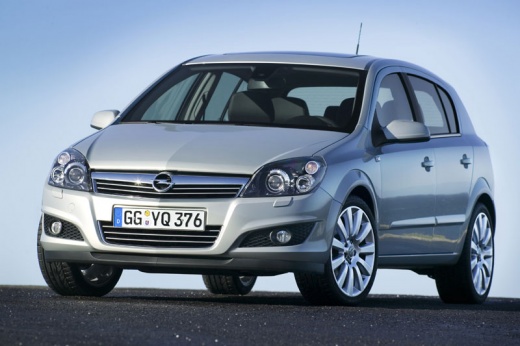
Model: Vauxhall Astra
Astra H
- Years 2004-2010
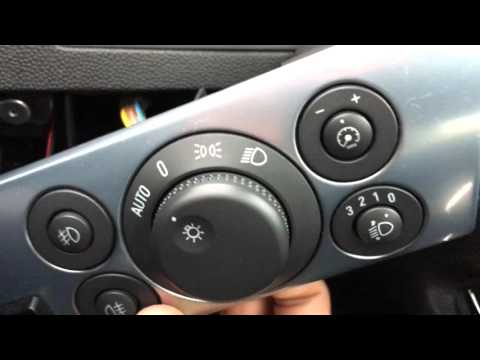
The light switch is located to the left of the driver, just below the air vent; to remove it, first set it to the off position (lights off), then gently press the switch knob inwards and rotate it one click to the position light setting: this releases the retaining tab, allowing you to pull out the switch along with the trim. Proceed in reverse for reassembly. This operation requires careful handling without excessive force.
Updated on 12 February 2026 by ScegliAuto
Video tutorial
Related tutorials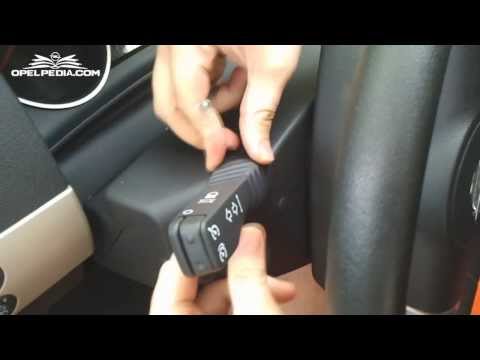
Vauxhall Astra
(2004-2010 /
Astra H)
Installing the cruise control switch lever is very simple and requires a bit of care during disassembly; you will need to configure the device with t…
Vauxhall Astra
(2004-2010 /
Astra H)
For this task, you won't need any special tools to carry out the operations, as they are simple tasks that do not require detailed instrumentation. I…
Vauxhall Astra
(1998-2006 /
Astra G)
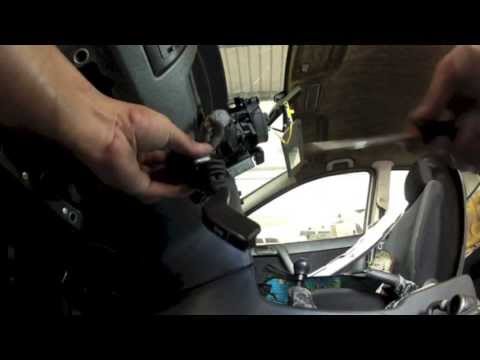
To remove the indicator stalk controls, first remove the steering wheel by disconnecting the airbag and unscrewing the steering wheel fastening nut; …
Other guides you may be interested in |
How to Remove the Centre Console on a Renault Scenic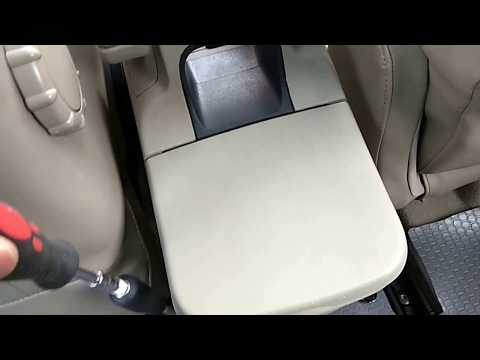
Watch this video to learn how to remove the glove compartment from the rear cover of the centre console on a Renault Scenic. Use a plastic lever to pry at the edge of the side plastics as shown in the video. Once the plastics are removed, unscrew the screws located at the sides of the centre console with a suitable screwdriver, and disconnect all the power connectors. Remove the side rests from the glove compartment. Fit the new piece onto the centre cover and proceed with the assembly of the remaining parts, working in reverse order. by ScegliAuto More videos
|
|
For advertising on this site Write to info@scegliauto.com
ScegliAuto is not responsible for any inaccuracy of the data in the lists. To report any inaccuracy or your business (if you own the business in question), please write to info@scegliauto.com
Number of seconds to generate the page: 0.054
(c) ScegliAuto 2026 - info@scegliauto.com - Privacy policy VAT number: IT01247470535 |
