
|
Do it yourself
| |||
| ||||


How to Reset the Tyre Light on an Opel Corsa?
Model: Vauxhall Corsa
Corsa E
- Years 2014-2019
In this video, we can see how to reset the tyre light on the Opel Corsa E. This is a very simple operation, but you need to obtain the special recalibration tool, which can be purchased online for a few pounds. Start by turning on the instrument panel, then hold down the button at the end of the left lever to begin calibration. At this point, move outside the vehicle and, as shown in the video, activate the tool near the pressure sensor. A beep indicates that the tyre has been calibrated correctly. Calibrate each tyre following the order indicated by the direction indicator.
Updated on 9 June 2026 by ScegliAuto
Video tutorial
Related tutorials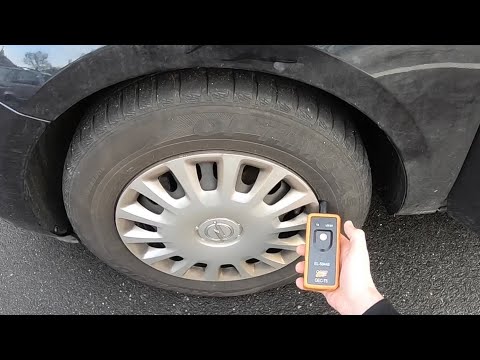
Vauxhall Corsa
(2019-2026 /
Corsa F)
In today's video, you will learn how to reset the tyre warning light on the current series of Opel Corsa, the E model. First, check the correct tyre …
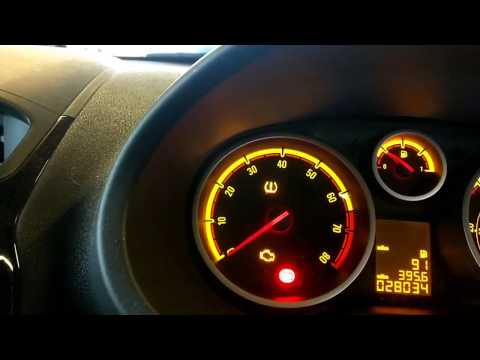
Vauxhall Corsa
(2006-2014 /
Corsa D)
This guide explains how to reset the tyre pressure warning light on the Opel Corsa D. Before resetting the TPMS, ensure all four tyres are inflated t…
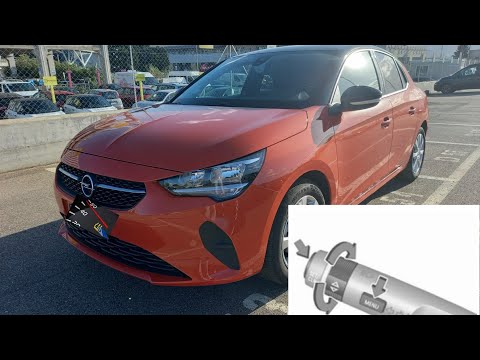
Vauxhall Corsa
(2019-2026 /
Corsa F)
When the inflation pressure of one of the four tyres drops below a set minimum value, the low tyre pressure warning light (TPMS) will illuminate on t…
Other guides you may be interested in |
How to Replace the Cabin Filter on the Opel Grandland X
If you own an Opel Grandland X and want to know the steps to replace the cabin air filter, carefully read the following guide and follow the described steps. First, enter the vehicle and go to the passenger side. Then, locate the box containing the air filter in the lower side area of the dashboard. Remove the cover of the box and finally replace the old filter with the new one. Refit the cover, and you are done. by ScegliAuto More videos
|
For advertising on this site Write to info@scegliauto.com
ScegliAuto is not responsible for any inaccuracy of the data in the lists. To report any inaccuracy or your business (if you own the business in question), please write to info@scegliauto.com
Number of seconds to generate the page: 0.102
(c) ScegliAuto 2026 - info@scegliauto.com - Privacy policy VAT number: IT01247470535 |
