
|
Do it yourself
| |||
| ||||


How to adjust the time in the Opel Combo van?
Model: Vauxhall Combo
MK 4, Combo D
- Years 2012-2018
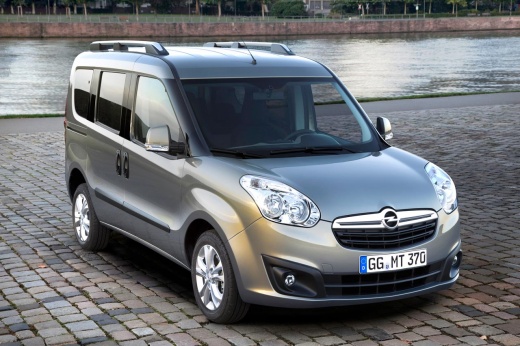
In this tutorial, we can see how to adjust the time in the Opel Combo van, which is an extremely simple and fast operation to perform, for example, after disconnecting the battery or following a time change. First of all, we insert the key and access the dashboard, then we press the "SET" button located on the central console and, using the directional arrows, we change the menu screens. We then enter the "Set time" section, press the "SET" button again, and proceed to adjust both the hour and the minutes. To save the setting, simply return to the main screen.
Posted on 25 May 2023 by ScegliAuto
Video tutorial
Related tutorials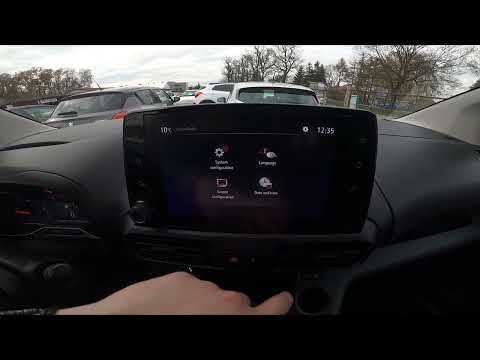
Vauxhall Combo
(2019-2026 /
MK 5, Combo E)
.. In this tutorial, we can see how to adjust the time in the Opel Combo van, an extremely simple and quick operation to be carried out,.. …
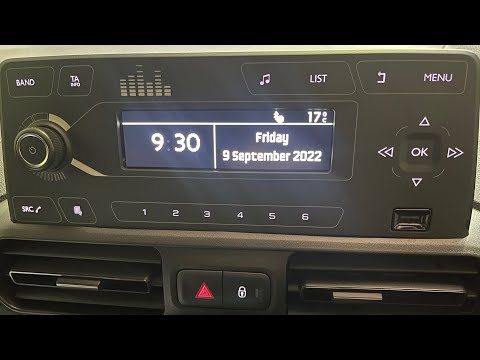
Vauxhall Combo
(2019-2026 /
MK 5, Combo E)
.. In this tutorial, we can see how to adjust the time in the Opel Combo van, an extremely simple and quick operation, to be performed,.. …
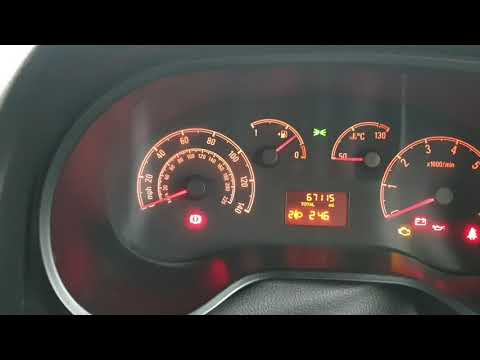
Vauxhall Combo
(2012-2018 /
MK 4, Combo D)
In this tutorial we can see how to adjust the time in the Opel Combo, a very simple and fast operation, to be carried out for example after replacing…
Other guides you may be interested in
|
Reset Service Light on Peugeot 208
What to do if the service light appears on a Peugeot 208? Here’s how to reset it. Enter the vehicle, turn on the ignition with the appropriate key (you will see the maintenance message). Turn off the ignition and press the button above the instrument cluster. Turn the ignition back on and wait for the countdown on the instrument cluster (release the button when the countdown ends). Turn off the ignition with the key, then turn it back on to check the maintenance status (the light should no longer be illuminated). If no light is displayed, everything has gone well. by ScegliAuto More videos
|
|
For advertising on this site Write to info@scegliauto.com
ScegliAuto is not responsible for any inaccuracy of the data in the lists. To report any inaccuracy or your business (if you own the business in question), please write to info@scegliauto.com
Number of seconds to generate the page: 0.160
(c) ScegliAuto 2026 - info@scegliauto.com - Privacy policy VAT number: IT01247470535 |
