
|
Do it yourself
| |||
| ||||


How to Replace the Indicator Bulbs in an Opel Astra
Model: Vauxhall Astra
Astra K
- Years 2015-2022
Video tutorial
Detailed instructions - Today, with the help of this short video tutorial, you will learn how to replace the rear indicator bulbs of an Opel Astra. The first thing to do is park the car on level ground, turn off the engine, and open the boot. Once the boot is open, proceed to remove the left side panel. Inside the panel, there is a wheel that, when unscrewed by hand, will release the headlamp from its housing. Once the headlamp is removed, disconnect the connector and remove the clips securing the cover behind which the bulbs are located. After removing the cover, take out the bulbs and insert new W16W 12-volt bulbs. Once you have completed these steps, reassemble everything. The procedure is the same for the right headlamp.
Updated on 3 August 2026 by ScegliAuto
Related tutorials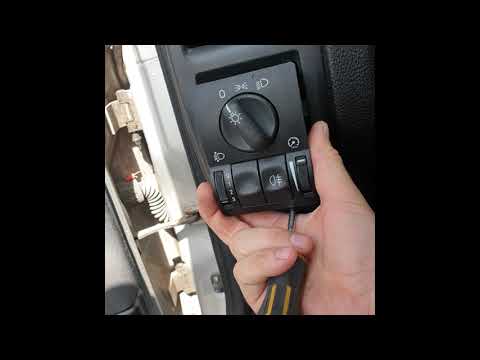
Vauxhall Astra
(2004-2010 /
Astra H)
Today's guide will show you how to remove and replace the indicator stalk or bulb switch on the Opel Astra. First, get into the vehicle and start by …
Vauxhall Astra
(2015-2022 /
Astra K)
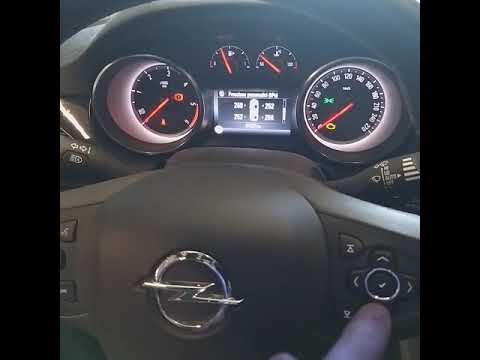
Today we will show you how to reset the tyre pressure warning in just a few seconds on an Opel car (in our case, the Opel Astra). Turn on the instrum…

Vauxhall Astra
(2009-2016 /
Astra J)
Today we will see the information on how to disassemble and replace the headlight bulb of the Opel Astra. First, we open the car's hood and start rem…
Other guides you may be interested in
|
How to reset the tyre pressure warning light on the Citroën DS4?
The tyre pressure warning light on the Citroën DS4 can be reset by inflating the tyres until they reach the corresponding pressure value, which is indicated on the sticker attached to the driver's door pillar. Once all tyres are at this value, turn on the ignition by inserting the key into the ignition switch; this should make the warning light disappear from the dashboard. If it does not reset, start the engine and drive to allow the sensors to read the new values. by ScegliAuto More videos
|
|
For advertising on this site Write to info@scegliauto.com
ScegliAuto is not responsible for any inaccuracy of the data in the lists. To report any inaccuracy or your business (if you own the business in question), please write to info@scegliauto.com
Number of seconds to generate the page: 0.075
(c) ScegliAuto 2026 - info@scegliauto.com - Privacy policy VAT number: IT01247470535 |
