
|
Do it yourself
| |||
| ||||


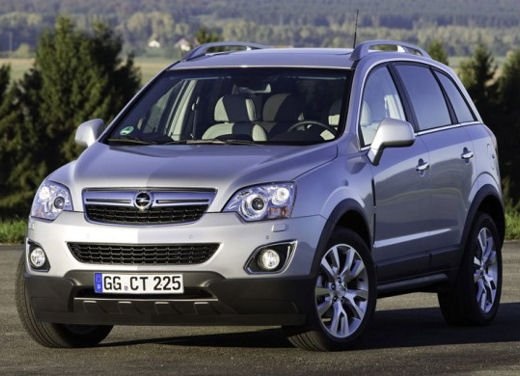
How to Reset the Service Light on the Opel Antara
Model: Vauxhall Antara
MK 1
- Years:
2006, 2007, 2008, 2009, 2010, 2011, 2012, 2013, 2014, 2015
Video tutorial
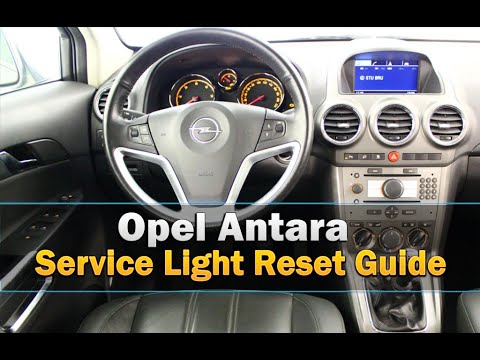
In this video, we see how the appearance of an orange light with a spanner and oil symbol on the dashboard of the Opel Antara indicates that you are approaching the mileage for a service. After completing the necessary operations, reset the notification system. Sit in the driver's seat, ensure that the doors and bonnets are closed, turn on the ignition, and press the accelerator pedal fully down three times. Turn off the ignition, and on the next restart, the absence of the orange light will confirm that the reset was successful.
Updated on 19 September 2026 by ScegliAuto
Related tutorials
Vauxhall Antara
(2006-2015 /
MK 1)
The procedure to turn off the Service light in the Opel Antara is very simple, takes very little time, and does not require any tools to be connected…

Vauxhall Antara
(2006-2015 /
MK 1)
The procedure for resetting the Service light that appears on the instrument panel of the Opel Antara can be carried out by turning on the instrument…
Vauxhall Antara
(2006-2015 /
MK 1)
To reset the Service light on the Opel Antara, turn on the instrument panel by turning the key in the ignition switch: once the panel is on, press th…
Other guides you may be interested in
|
Frequently Asked QuestionsHow to open the fuel cap of a Fiat Panda that is stuck
In this video, we see how to open the fuel door of a Fiat Panda that is stuck and cannot be opened from the outside. This is a rather serious problem because it prevents us from refueling. We will definitely have to have the fuel door repaired by a body shop, but how can we refuel in the meantime. Fortunately, Fiat technicians have thought of this possibility. Just open the rear hatch, and once opened, we notice that on the passenger side, there is a small loop made of a red cord, which is located right at the fuel door: pull it and it will open, allowing us to refuel. by ScegliAuto More videos
|
|
For advertising on this site Write to info@scegliauto.com
ScegliAuto is not responsible for any inaccuracy of the data in the lists. To report any inaccuracy or your business (if you own the business in question), please write to info@scegliauto.com
Number of seconds to generate the page: 0.024
(c) ScegliAuto 2026 - info@scegliauto.com - Privacy policy VAT number: IT01247470535 |
