
|
Do it yourself
| |||
| ||||


How to Replace the Rear Brakes on an Opel Zafira
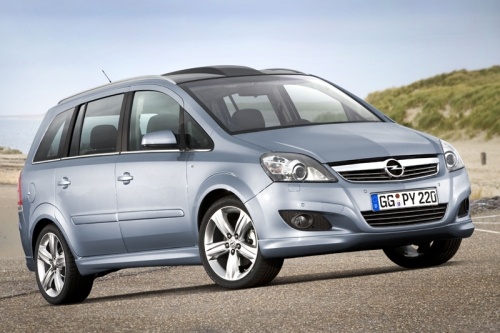
Model: Vauxhall Zafira
MK 2, A05, Zafira B
- Years 2005-2011
First, remove the wheel on which you will perform the replacement. Ensure your vehicle is lifted and supported on appropriate stands. Next, loosen the lower bolt of the piston assembly as shown in the video, followed by the upper bolt. This allows you to remove the piston assembly after pressing it fully in. Now, you can also extract the front and rear brake pads. To replace the disc, unscrew the bolts securing the pads' supports and remove the bolt fixing the disc as shown in the video. Finally, retrace the steps described for reassembly.
Updated on 25 February 2026 by ScegliAuto
Video tutorial
Related tutorials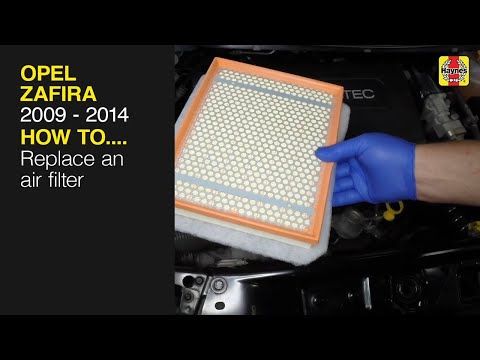
Vauxhall Zafira
(2011-2019 /
MK 3, Zafira C)
If you want to find out what are the various steps to perform in order to correctly replace the air filter of your Opel Zafira Mk3, all you have to d…
Vauxhall Zafira
(1999-2005 /
Zafira A, MK 1, T98)
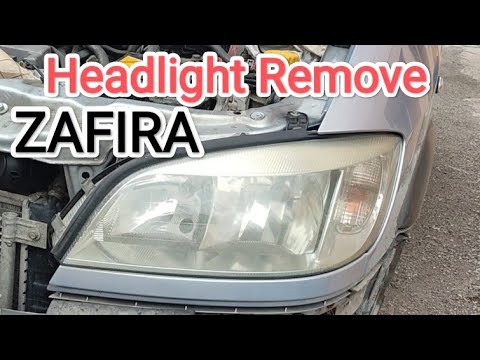
Good morning, today's goal is to go dismantle the front headlight of our Opel Zafira. Before we can start, we will need to open the front hood by pul…
Vauxhall Zafira
(1999-2005 /
Zafira A, MK 1, T98)
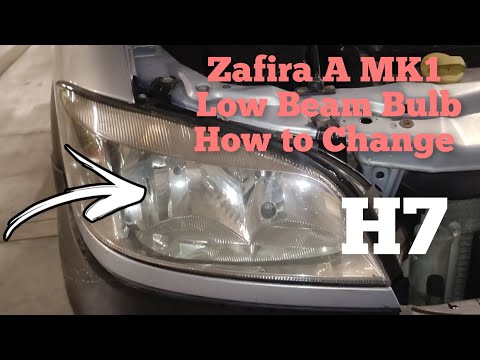
In this new guide dedicated to your Opel Zafira A (year 1999-2005), we will discover together the steps to follow to correctly replace the front head…
Other guides you may be interested in
|
How to Replace the Gear Knob on a Mini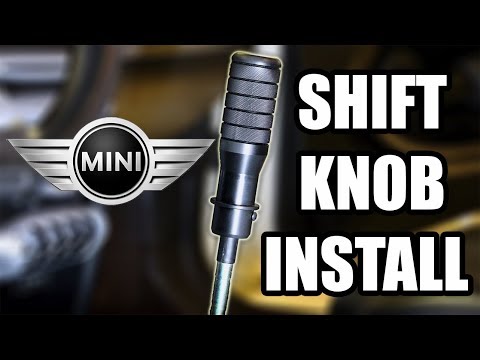
Want to replace the gear knob on a Mini? Follow these steps for the replacement: first, take the knob in your hands and rotate it left and right until you remove it from the gear stick. Use a plastic lever to disconnect the leather gaiter frame (if it needs replacing). For reassembly: fit the new leather gaiter with the clips (if removed), then take the new knob and push it onto the stick in the centre console until it is secured. Finally, test the movement of the stick in the centre console to ensure the knob is correctly fitted. by ScegliAuto More videos
|
|
For advertising on this site Write to info@scegliauto.com
ScegliAuto is not responsible for any inaccuracy of the data in the lists. To report any inaccuracy or your business (if you own the business in question), please write to info@scegliauto.com
Number of seconds to generate the page: 0.063
(c) ScegliAuto 2026 - info@scegliauto.com - Privacy policy VAT number: IT01247470535 |
