
|
Do it yourself
| |||
| ||||


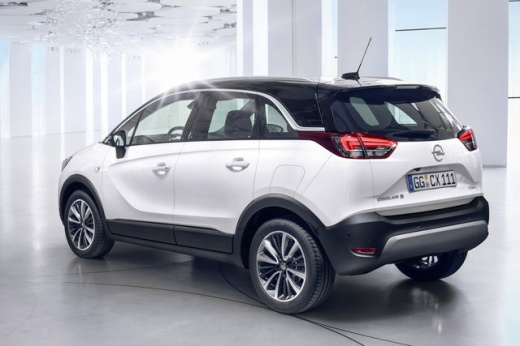
How to reset the oil light on the Opel Crossland X
Model: Vauxhall Crossland X
MK 1
- Years 2017-2024
Resetting the oil light on the 2017 Opel Crossland X is a very simple operation, achievable in just a few minutes. To begin the reset, press the CHECK button on the instrument panel while simultaneously turning on the vehicle's dashboard. Continue holding the button until the display turns off and then back on, with the English key symbol appearing and disappearing. Once the light has turned off, release the button. Complete the reset by restarting the instrument panel and pressing the CHECK button followed by the 000 button on the instrument panel.
Posted on 15 August 2024 by ScegliAuto
Video tutorial
Related tutorials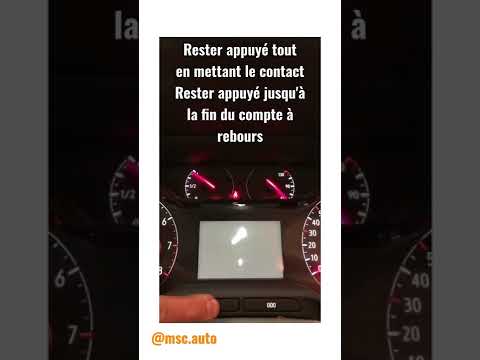
Vauxhall Crossland X
(2017-2024 /
MK 1)
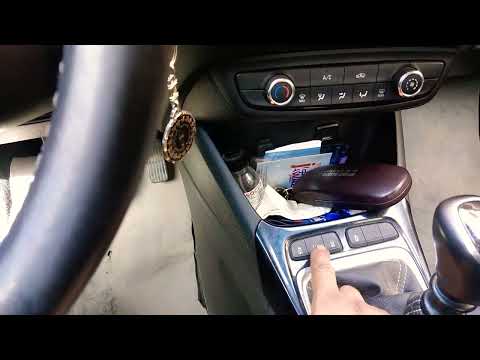
The reset of the service light on the Opel Grandland X must be done after completing all the maintenance operations, which include changing the engin…
Vauxhall Crossland X
(2017-2024 /
MK 1)
On the Opel Crossland X, the tire pressure warning light can be reset by inflating the tires to the pressure value indicated on the sticker located o…

Vauxhall Crossland X
(2017-2024 /
MK 1)
Following today's instructions, we will see how to reset the tire pressure warning of the Opel Crossland X; before resetting the TPMS sensors, it is …
Other guides you may be interested in
|
How to Remove the Interior Light of a Mini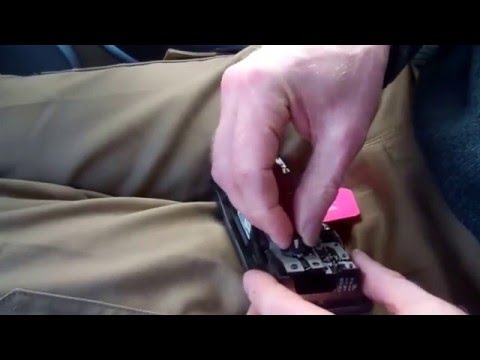
Remove the interior light of a Mini: use a screwdriver or plastic lever to pry between the cover and the light itself (avoid damaging the headlining), pull the cover out from the panel and disconnect the power connector after removing it. Replace the damaged bulb with a new one (same size and voltage). Refit the light into its housing (push it in with your hands until the metal clips are fully locked). Test the light's functionality before completely refitting the piece. by ScegliAuto More videos
|
|
For advertising on this site Write to info@scegliauto.com
ScegliAuto is not responsible for any inaccuracy of the data in the lists. To report any inaccuracy or your business (if you own the business in question), please write to info@scegliauto.com
Number of seconds to generate the page: 0.114
(c) ScegliAuto 2026 - info@scegliauto.com - Privacy policy VAT number: IT01247470535 |
