
|
Do it yourself
| |||
| ||||


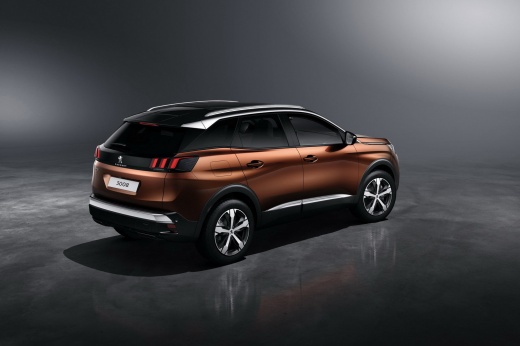
How to Remove the Original Radio from a Peugeot 3008
Model: Peugeot 3008
P84, MK 2
- Years:
2016, 2017, 2018, 2019, 2020, 2021, 2022, 2023
This video is currently unavailable
How do you remove the original radio from a Peugeot 3008? Follow these steps carefully to carry out the removal. Use the original release keys to remove the stereo from your car. Insert the keys into the appropriate holes (as shown in the video); pull the stereo towards you and extract it, being careful of the various cables (disconnect the power connectors and the antenna reception cable). Finally, refit the original radio or a generic brand with the appropriate adapters for the input and for connecting the connectors (remove the vents and lower plastics if you need to fit a 2 Din stereo).
Updated on 10 March 2026 by ScegliAuto
Related tutorials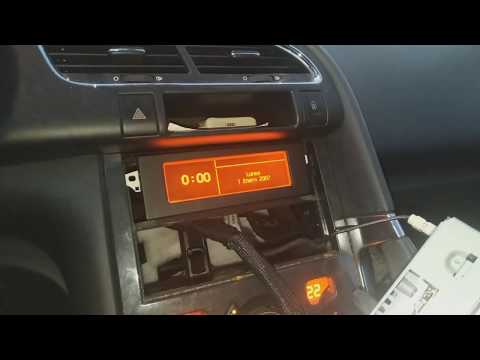
Peugeot 3008
(2009-2016 /
MK 1, T84)
How to remove the radio screen from a Peugeot 3008? Let's look at how to disassemble the pieces to access and remove the screen. Obtain removal keys …
Peugeot 3008
(2009-2016 /
MK 1, T84)
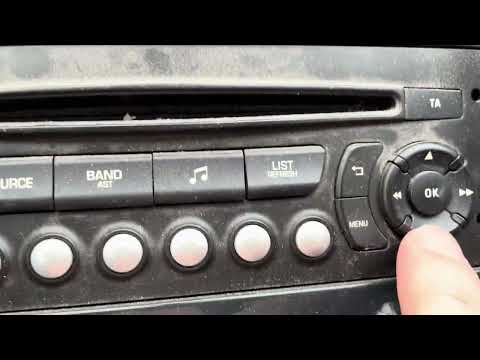
Setting the time and date on a 2009 Peugeot 3008 is a very simple and quick operation. First, turn on the instrument cluster and the onboard radio, t…

Peugeot 3008
(2009-2016 /
MK 1, T84)
Replacing a radio in a Peugeot 3008 produced from 2009 to 2016 is an extremely simple task. First, enter the vehicle and with the ignition off, remov…
Other guides you may be interested in
|
Frequently Asked QuestionsHow to Set the Time in an Audi A4?
In this tutorial, you will see how to set the time in an Audi A4, a very simple and quick operation to perform after replacing the battery or when the time changes. First, insert the key and turn on the instrument cluster. Then, press the "SETUP" button located on the center console. Next, press the upper left arrow button, navigate to the "Time" option, and use the central knob to adjust the clock. Finally, set any necessary formats and save by returning to the main screen. by ScegliAuto More videos
|
|
For advertising on this site Write to info@scegliauto.com
ScegliAuto is not responsible for any inaccuracy of the data in the lists. To report any inaccuracy or your business (if you own the business in question), please write to info@scegliauto.com
Number of seconds to generate the page: 0.083
(c) ScegliAuto 2026 - info@scegliauto.com - Privacy policy VAT number: IT01247470535 |
