
|
Do it yourself
| |||
| ||||


How to use the infotainment system of the Peugeot 308
Model: Peugeot 308
P5, MK 3
- Years 2021-2026
Let's see how to use the infotainment system of the Peugeot 308: the touchscreen is oriented towards the driver, but there are also buttons to speed up access to the menu. If you scroll down on the screen, you will find a drop-down menu where you can select the driver profile with images of historic Peugeot logos. Software updates are automatic with Wi-Fi activation, so there will be no need to visit Peugeot centres every time. Each user profile will have its own customised settings, such as display colour and internal LEDs. From the "home" screen, pressing the screen with three fingers will take you directly to the app page. By holding a finger on the screen, the car will ask if you want to modify the screen or the instrument cluster; choose the screen, and a page will open offering to add or remove pages. If you no longer want something, simply drag it to the bin. The same applies to the instrument cluster; you can create your own combination. The screen is fully usable, without side black bars. The buttons below the screen are fully customisable, except for the first "home" button. The method is always to press and hold the button: the screen will show you the various options. On the screen, you will see the classic infotainment services: radio and external media; to save stations, just put a heart, and you will find it in favourites; the climate can also be managed by buttons, and you can heat the steering wheel and seats; the navigator is an easy-to-use TomTom and can also be displayed on the instrument cluster; then there is the voice assistant "ok Peugeot": connecting your smartphone to the car takes just a few seconds, whether for Android Auto or Apple CarPlay. With hybrid power, you can precondition the car to the right temperature before your departure.
Updated on 29 June 2026 by ScegliAuto
Video tutorial
Related tutorials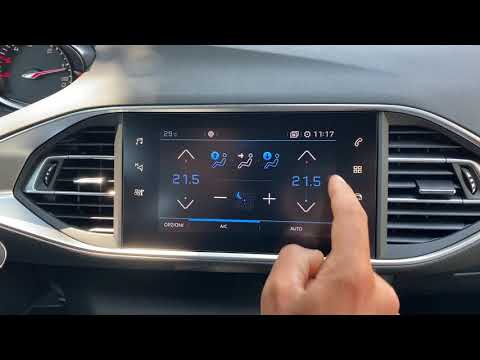
Peugeot 308
(2013-2021 /
T9, MK 2)
The infotainment system in the Peugeot 308 is an advanced system that integrates connectivity, entertainment, and information features to enhance the…
Peugeot 308
(2007-2014 /
T7, MK 1)
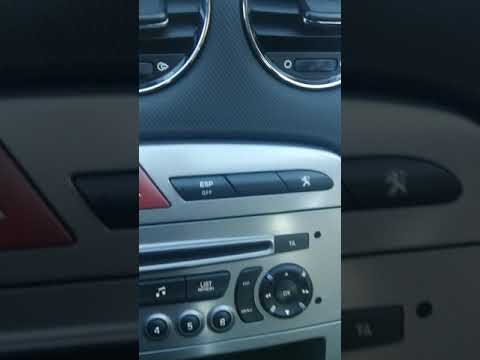
To set the time in the infotainment system of the Peugeot 308, follow these steps: Start the car and turn on the infotainment system. Ensure you are …
Peugeot 308
(2013-2021 /
T9, MK 2)
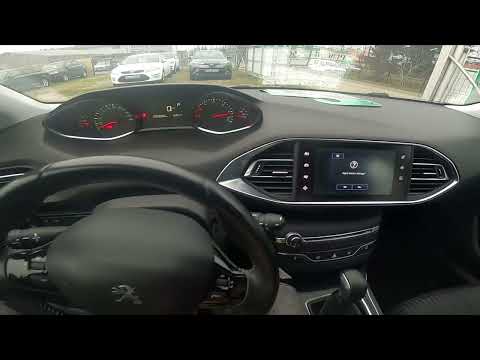
If the radio or infotainment system in your second series Peugeot 308 (2013-2021) is experiencing serious software issues, do not worry as you can re…
Other guides you may be interested in
|
How to Connect the Cables to the Battery of the Citroen Xsara Picasso?
In this tutorial, you will see how to connect the cables to the battery of the Citroen Xsara Picasso, useful if you need to recharge it or perform an emergency start. First, ensure the key is not inserted, then open the bonnet and move to the front of the left headlamp. Next, locate the bolt just behind the filter box and connect the positive terminal clamp to it. Now you can connect the negative terminal to any point on the chassis, such as the indicated point. Once the operation is complete, ensure you disconnect the negative first and then the positive. by ScegliAuto More videos
|
|
For advertising on this site Write to info@scegliauto.com
ScegliAuto is not responsible for any inaccuracy of the data in the lists. To report any inaccuracy or your business (if you own the business in question), please write to info@scegliauto.com
Number of seconds to generate the page: 0.125
(c) ScegliAuto 2026 - info@scegliauto.com - Privacy policy VAT number: IT01247470535 |
