
|
Do it yourself
| |||
| ||||


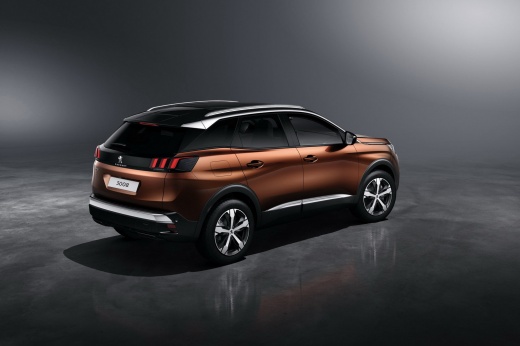
Resetting the AdBlue Light on the Peugeot 3008
Model: Peugeot 3008
P84, MK 2
- Years:
2016, 2017, 2018, 2019, 2020, 2021, 2022, 2023
Video tutorial
Today's instructions will show you how to reset the AdBlue light on the Peugeot 3008 by following these simple steps. First, get in the vehicle and turn on the ignition; you will see the flashing AdBlue light, which suggests you need to top up the AdBlue tank, as shown in the video. At this point, once the tank is filled, get back in the vehicle and check that the light has reset completely by switching off the ignition and finally starting the engine!
Updated on 31 August 2026 by ScegliAuto
Related tutorials
Peugeot 3008
(2016-2023 /
P84, MK 2)
Today, we will see in this brief guide the procedure necessary to reset the AdBlue warning light on the Peugeot 3008 1.5 BlueHDi. Before resetting th…

Peugeot 3008
(2016-2023 /
P84, MK 2)
In this guide, we will see the instructions that will allow us to reset the AdBlue warning light on the Peugeot 3008. To reset the AdBlue refill warn…
Peugeot 3008
(2016-2023 /
P84, MK 2)
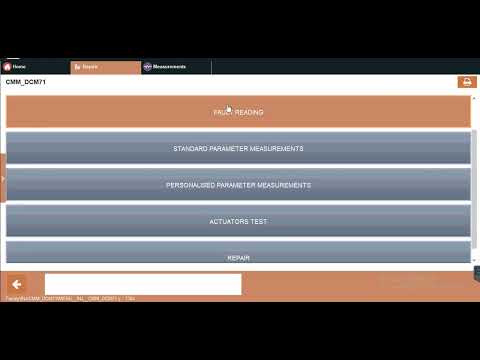
Here are the instructions to reset the AdBlue warning light on the Peugeot 3008 in simple and quick steps. First, get into the vehicle and connect yo…
Other guides you may be interested in |
Frequently Asked QuestionsHow to Reset the Tyre Warning Light on the Suzuki Swift
If the orange tyre warning light on the instrument cluster of your latest Suzuki Swift remains illuminated despite no loss of pressure, don't worry because you can easily reset it by following this procedure. First, get into the driver's seat and start the ignition, then press and hold the button located below the speedometer and release it as soon as the menu screen appears on the display. At this point, select "TPMS" and then press "TPMS Mode". Finally, select the "Load Mode" option and proceed with the manual reset of the warning light. by ScegliAuto More videos
|
|
For advertising on this site Write to info@scegliauto.com
ScegliAuto is not responsible for any inaccuracy of the data in the lists. To report any inaccuracy or your business (if you own the business in question), please write to info@scegliauto.com
Number of seconds to generate the page: 0.018
(c) ScegliAuto 2026 - info@scegliauto.com - Privacy policy VAT number: IT01247470535 |
