
|
Do it yourself
| |||
| ||||


|
Model: Piaggio Beverly 350
To adjust the clock on the Piaggio Beverly 350, you need to turn on the instrument panel so that you can navigate the menu that appears on the display: now, press and hold the MODE button located at the base of the right knob. This will cause the hours to start flashing, which can be changed with repeated presses of the same button: now, press and hold the MODE button again so that the minutes start flashing, allowing them to be changed using the same procedure.
Posted on 26 September 2026 by ScegliAuto
Video tutorial
Related tutorials
Beverly 350
You can adjust the clock on the Piaggio Beverly 350 by inserting the key into the instrument cluster to turn it on: once the cluster is powered, pres…
Beverly 350
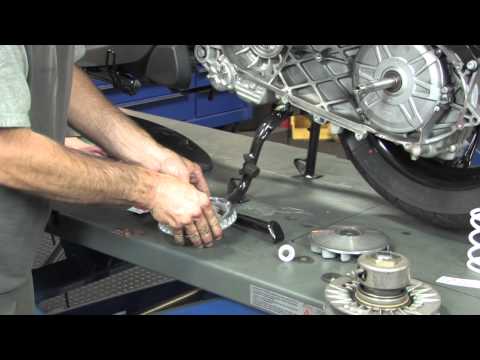
In this video, you will see the main instructions for removing and replacing the variator of the Piaggio Beverly 350 scooter. First, place the centra…

Beverly 350
The main instructions in this guide will show you how to disassemble and replace the dipped beam bulb of the front headlight on the Piaggio Beverly 3…
|
Replacing the Front Headlamp Bulb on the Kymco Like 125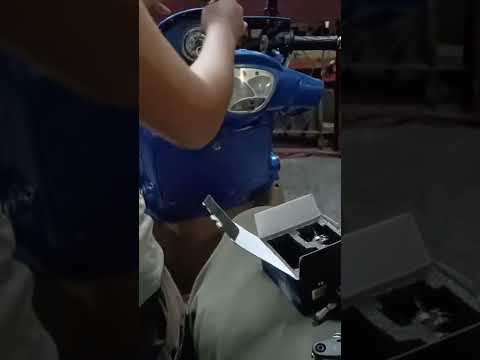
This guide will show you the main steps to disassemble and replace the front headlamp bulb on the Kymco Like 125 scooter. First, place the scooter on its centre stand and begin to remove the front headlamp from the instrument panel by unscrewing the fixing screws; then disconnect the electrical connector of the bulb and remove the rubber protective cover, as shown in the video. At this point, unclip the metal spring to remove and replace the bulb with a new one of the correct type and with the same fitting, reassembling everything! by ScegliAuto More videos
|
|
For advertising on this site Write to info@scegliauto.com
ScegliAuto is not responsible for any inaccuracy of the data in the lists. To report any inaccuracy or your business (if you own the business in question), please write to info@scegliauto.com
Number of seconds to generate the page: 0.006
(c) ScegliAuto 2026 - info@scegliauto.com - Privacy policy VAT number: IT01247470535 |
