
|
Do it yourself
| |||
| ||||


|
Model: Piaggio Beverly 400
If the speed displayed on your Piaggio Mp3 is in a unit of measurement different from your preference, simply follow this mini guide to change it independently. First, start this procedure with the bike completely off. Then, press and hold the "Mode" button on the right knob for about three seconds and turn on the display. Once done, press the "Mode" button again to switch between units (from Km/h to Mph or vice versa). Finally, hold down "Set" to save the changes.
Updated on 6 July 2026 by ScegliAuto
Video tutorial
Related tutorials
Beverly 400
The instructions in this guide will show us how to change the unit of measurement of the speedometer of the Piaggio Beverly 400 scooter. First of all…

Beverly 400
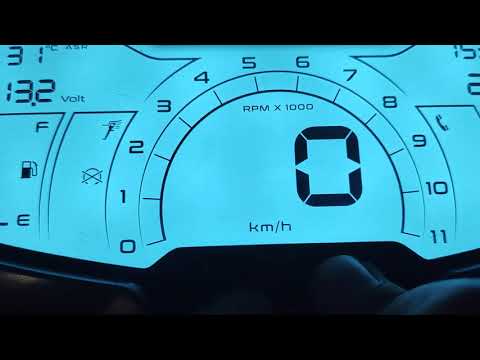
For a personalised experience on your Piaggio Beverly 400 HPE, you can change the display colours. To modify the display colours of the instrument pa…
Beverly 400
Not all Beverly 400 owners know that it is possible to change the display colour of the instrument panel, making it more visible, especially in certa…
|
How to Replace the Battery in a Yamaha Vino 125 Scooter?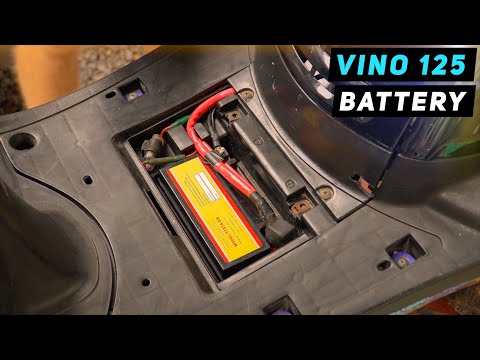
In this tutorial, you will see how to replace the battery in a Yamaha Vino 125 scooter, a very simple and quick operation. First, ensure that the key is not inserted for safety. Then, lift the rubber mat and, using a simple cross-head screwdriver, unscrew the two screws securing the plastic cover. Once opened, disconnect both terminals, starting with the negative, and remove the battery from its housing. To fit the replacement, simply follow the reverse procedure. by ScegliAuto More videos
|
|
For advertising on this site Write to info@scegliauto.com
ScegliAuto is not responsible for any inaccuracy of the data in the lists. To report any inaccuracy or your business (if you own the business in question), please write to info@scegliauto.com
Number of seconds to generate the page: 0.088
(c) ScegliAuto 2026 - info@scegliauto.com - Privacy policy VAT number: IT01247470535 |
