
|
Do it yourself
| |||
| ||||


How to Replace the Battery in the Quadro 350
Model: Quadro Quadro 350
Video tutorial
In this video tutorial, you will learn how to remove and replace the battery in the Quadro 350 in simple and quick steps. First, locate the battery near the front storage compartment; then remove the plastic cover to access it, disconnecting the terminal screws (positive and negative) with a socket spanner, as shown in the video. At this point, remove and replace the battery with a new one of the correct type and the same amperage; reconnect everything and reassemble, following the video tutorial to the end!
Updated on 7 May 2026 by ScegliAuto
Related tutorials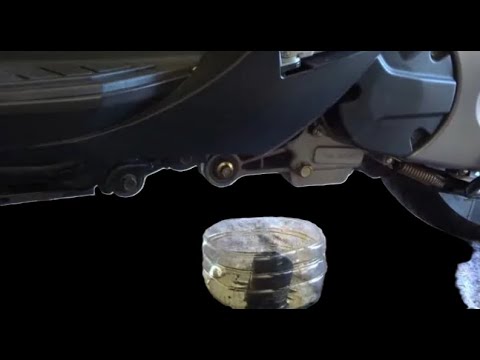
Quadro 350
The process of changing the engine oil and oil filter is very simple; here’s how to perform the routine maintenance service on the Quadro 350S. First…

Quadro 350
To manually reset the service light that illuminates on the dashboard of your QV3 350, you only need a few simple steps. Let's discover what they are…
|
How to remove the panels of the Peugeot Kisbee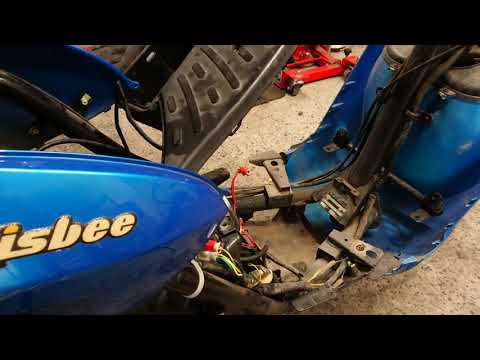
In this short and simple guide, you will see how to remove the plastic panels of the Peugeot Kisbee scooter, following the instructions provided below. First, place your scooter on the centre stand and begin by lifting the rider's seat; then, unscrew the fixing screws found in the under-seat compartment and under the footboard, subsequently removing the panels as shown in the video. At this point, unscrew the screws of the footboard to remove it, then remove the front shield (disconnecting the electrical connectors as well); finally, reassemble everything by applying the reverse procedure! by ScegliAuto More videos
|
|
For advertising on this site Write to info@scegliauto.com
ScegliAuto is not responsible for any inaccuracy of the data in the lists. To report any inaccuracy or your business (if you own the business in question), please write to info@scegliauto.com
Number of seconds to generate the page: 0.011
(c) ScegliAuto 2026 - info@scegliauto.com - Privacy policy VAT number: IT01247470535 |
