
|
Do it yourself
| |||
| ||||


How to Remove the Radio from a Dodge Ram 3500 Mk4
Model: RAM 3500
DS, MK 4, DJ
- Years:
2009, 2010, 2011, 2012, 2013, 2014, 2015, 2016, 2017, 2018, 2019
Video tutorial
This guide shows how to remove the radio from a Dodge Ram 3500 Mk4. Removing this component from the vehicle is quite simple as you need to detach the trim bezel by unscrewing the two Torx T20 screws located at the top of the unit, and then unscrew the four 7 mm bolts securing the radio. At this point, you can pull out the radio, being careful not to damage the electrical connectors. Once these connections are disconnected, you can remove the piece. Before installing a new radio, check that the dimensions are correct.
Updated on 12 June 2026 by ScegliAuto
Related tutorials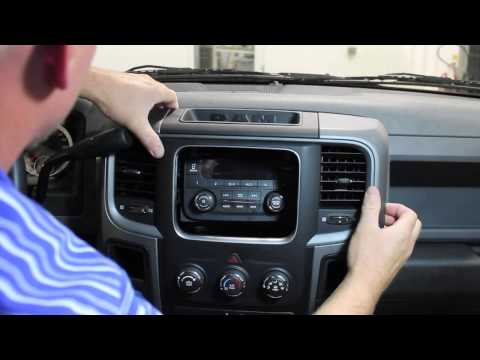
RAM 3500
(2009-2019 /
DS, MK 4, DJ)
This guide shows how to remove the radio from the Dodge RAM 3500 Mk4. First, disconnect the negative battery cable. Next, remove the two screws secur…
RAM 3500
(2009-2019 /
DS, MK 4, DJ)
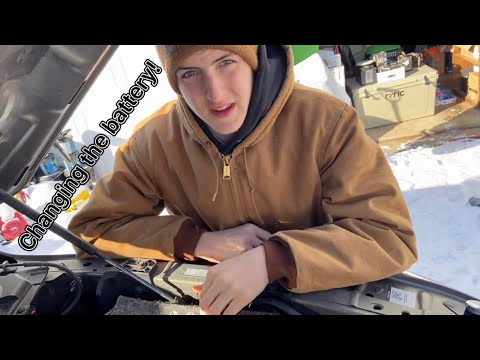
Follow these main steps to remove and replace the battery in your Dodge RAM 3500. First, open the hood of your vehicle and start by disconnecting bot…
RAM 3500
(2009-2019 /
DS, MK 4, DJ)
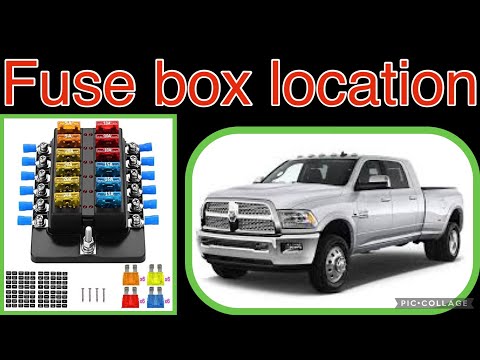
Unlike other vehicles in the same category as the Dodge RAM 3500, the fuse box is not located inside the dashboard or the glove compartment but direc…
Other guides you may be interested in |
How to Reset the AdBlue Warning Light on a Peugeot Boxer
To reset the AdBlue system on a 2018 Peugeot Boxer, follow these steps: Start the engine and ensure the vehicle is parked in a well-ventilated area. Locate the "MENU" button on the dashboard or steering wheel controls. Press and hold the "MENU" button until the menu options appear on the display. Use the arrow buttons or scroll wheel to access the "Vehicle Settings" or "Settings" menu. Select the "AdBlue" or "AdBlue System" option. Look for the "Recharge" or "Reset" option in the AdBlue menu. Once you find the reset option, select it and confirm your choice when prompted. The system will be reset, and a confirmation message may appear on the display. Turn off the engine and wait a few seconds. Restart the engine and check that the AdBlue system has been reset. by ScegliAuto More videos
|
|
For advertising on this site Write to info@scegliauto.com
ScegliAuto is not responsible for any inaccuracy of the data in the lists. To report any inaccuracy or your business (if you own the business in question), please write to info@scegliauto.com
Number of seconds to generate the page: 0.014
(c) ScegliAuto 2026 - info@scegliauto.com - Privacy policy VAT number: IT01247470535 |
