
|
Do it yourself
| |||
| ||||


What is the fuse box diagram used for in the 2011 RAM 1500?
Model: RAM 1500
DS, MK 4, DJ
- Years 2009-2019
Before talking about the fuse box diagram, it is necessary to know where the fuses are located, or rather the box that contains them. All of them are collected in the so-called fuse box, in this case located next to the car's power battery, on the left side of the engine hood. Once this is established, the aforementioned diagram comes into play, which helps us to locate the position of each individual fuse inside the box, as well as to know what it protects, such as turn signals, lights, and so on. This diagram is present in the vehicle's technical documentation, as well as on the inside of the cover of the aforementioned box.
Posted on 16 July 2024 by ScegliAuto
Video tutorial
Related tutorials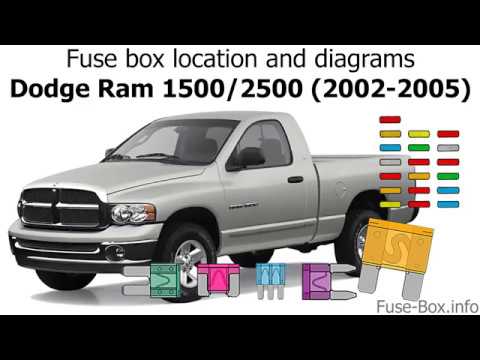
RAM 1500
(2002-2009 /
DM, D1, DH, DC, MK 3, DR)
This video shows the location of the fuse boxes in the 2003 Dodge Ram 1500. In addition to the location of the fuse boxes, the video displays the dia…

RAM 1500
(2019-2026 /
DT, MK 5)
The following steps will illustrate the layout and positioning of the external fuse box of the RAM 1500. First, we open the vehicle's hood and begin …

RAM 1500
(2019-2026 /
DT, MK 5)
In this video we can see where the fuse boxes of the RAM 1500 pick-up are located and what are the respective diagrams, to consult in case we need to…
Other guides you may be interested in
|
How to Adjust the Brightness of the Instrument Cluster on a Peugeot 3008?
To adjust the brightness of the instrument cluster on a Peugeot 3008, you need to turn on the ignition and access the settings via the menu located in the central area of the dashboard. In the screen that appears, select the "Display Configuration" option: now, by selecting the "Brightness" option, you can adjust it using the dedicated slider that will appear on the screen. The adjustment should be made with the headlights on as well as with them off. Once the adjustment is complete, you can turn off the instrument cluster. by ScegliAuto More videos
|
|
For advertising on this site Write to info@scegliauto.com
ScegliAuto is not responsible for any inaccuracy of the data in the lists. To report any inaccuracy or your business (if you own the business in question), please write to info@scegliauto.com
Number of seconds to generate the page: 0.188
(c) ScegliAuto 2026 - info@scegliauto.com - Privacy policy VAT number: IT01247470535 |
