
|
Do it yourself
| |||
| ||||


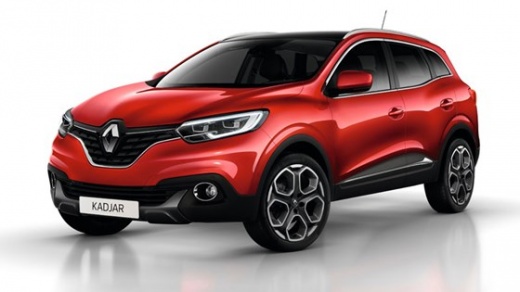
How do you reset the tire pressure light on the Renault Kadjar?
Model: Renault Kadjar
MK 1
- Years:
2015, 2016, 2017, 2018, 2019, 2020, 2021, 2022
Video tutorial
In case there are doubts about the correct tire pressure of the Renault Kadjar, it is advisable to watch the video guide provided here, as it provides detailed information about this value. That being said, the warning light in question lights up as soon as one or more tires are deflated or punctured, prompting us to investigate and solve the problem. This is followed by the cancellation of the aforementioned warning light, in the following way: With the instrument panel on, press the Arrow buttons to access the Settings, selecting the Tire Pressure option. Once this is done, press Ok and after a few seconds the light will turn off.
Posted on 12 December 2024 by ScegliAuto
Related tutorials
Renault Kadjar
(2015-2022 /
MK 1)
To reset the tyre pressure warning light on the Renault Kadjar, inflate the tyres to the recommended pressure value: this value is indicated on the s…
Renault Kadjar
(2015-2022 /
MK 1)
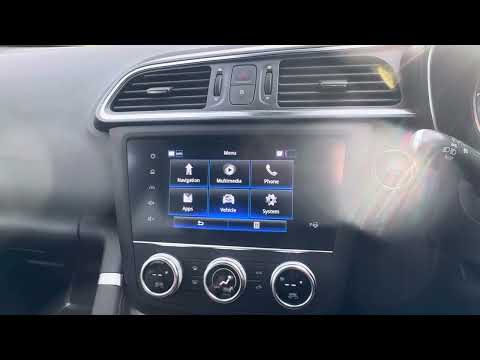
In this guide, you will learn how to correctly perform the manual reset of the tyre pressure light on your 2019 Renault Kadjar. First, enter the cabi…
Renault Kadjar
(2015-2022 /
MK 1)
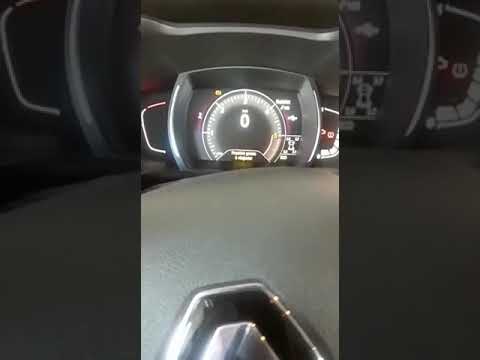
The following information will guide you on how to reset the tyre pressure monitoring system (TPMS) warning light on the Renault Kadjar; before perfo…
Other guides you may be interested in
|
How to Set the Time on an Audi A6
Briefly, we will see the instructions to set the time on the Audi A6 by following these simple steps. First, get inside the vehicle and turn on the instrument cluster; then press the settings button and navigate to the time option to confirm your choice, as shown in the video. At this point, set the correct time and format, then exit the settings menu to save the changes made; finally, start the engine and ensure that the time has been set correctly! by ScegliAuto More videos
|
|
For advertising on this site Write to info@scegliauto.com
ScegliAuto is not responsible for any inaccuracy of the data in the lists. To report any inaccuracy or your business (if you own the business in question), please write to info@scegliauto.com
Number of seconds to generate the page: 0.016
(c) ScegliAuto 2026 - info@scegliauto.com - Privacy policy VAT number: IT01247470535 |
