
|
Do it yourself
| |||
| ||||


How to activate and deactivate the position lights of the Renault Clio IV
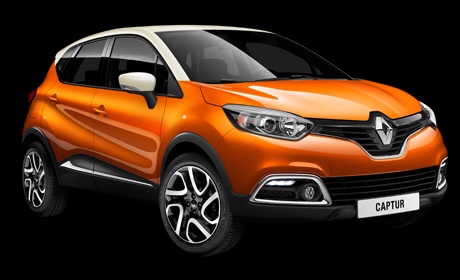
Model: Renault Captur
MK 1
- Years 2013-2019
Today we will explain how to activate and deactivate the position lights on the Renault Clio IV. Get on board the vehicle, on the left side of the steering wheel there is a lever with the symbols of the position lights, to activate the lights just rotate the top part of the lever. On the instrument panel display a green light will activate to indicate that the lights are on. To disable the lights just rotate the top part of the lever back to its original position. Immediately after on the instrument panel display the light will turn off and it will be possible to turn off the instrument panel and the vehicle.
Posted on 25 March 2025 by ScegliAuto
Video tutorial
Related tutorials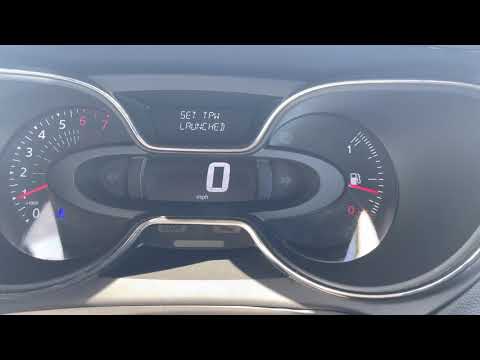
Renault Captur
(2013-2019 /
MK 1)
In this video tutorial we will see how to reset the tire pressure warning light on the Renault Captur first series, but also on the Clio 4; All four …
Renault Captur
(2013-2019 /
MK 1)
In this short and simple guide we will see the instructions that will allow us to activate or deactivate the start&stop system of the Renault Captur,…
Renault Captur
(2013-2019 /
MK 1)
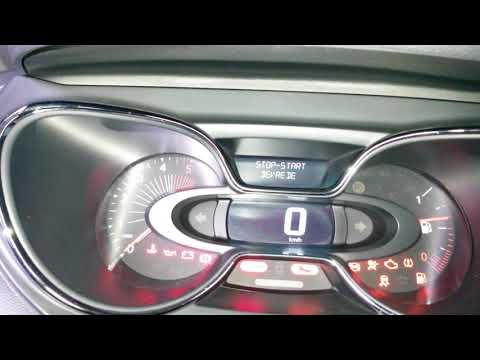
In the Renault Captur, the Service light can be reset by turning on the instrument panel, allowing navigation within the menu. To do this, you will n…
Other guides you may be interested in
|
How to Fit Seat Covers on a Renault Clio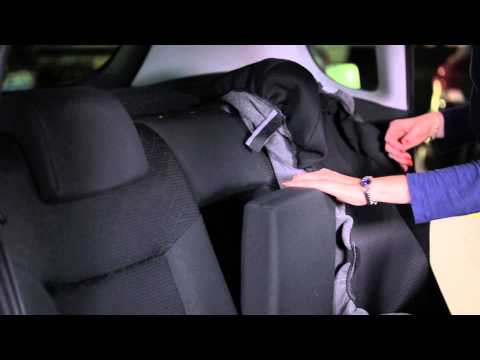
How do you fit seat covers on your Renault Clio? Watch this video for guidance. First, move the seat forward and raise the seat base, then remove the headrest from the backrest. Slide the seat cover from the top down over the backrest, removing any controls on the side of the seat if necessary by pulling them towards you. After fitting the upper seat cover, ensure it is around the headrest seals. Fit the lower seat cover on the base, pull the springs with the metal clips and secure them. Use plastic spatulas to assist with the fastening. by ScegliAuto More videos
|
|
For advertising on this site Write to info@scegliauto.com
ScegliAuto is not responsible for any inaccuracy of the data in the lists. To report any inaccuracy or your business (if you own the business in question), please write to info@scegliauto.com
Number of seconds to generate the page: 0.073
(c) ScegliAuto 2026 - info@scegliauto.com - Privacy policy VAT number: IT01247470535 |
