
|
Do it yourself
| |||
| ||||


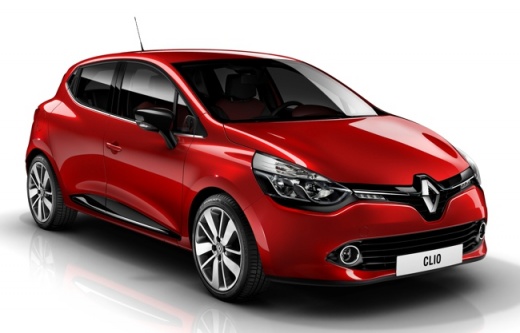
How to change the language on the multimedia screen and display of the Renault Clio IV
Model: Renault Clio
Clio IV, Clio 4, MK 4
- Years:
2012, 2013, 2014, 2015, 2016, 2017, 2018, 2019
Video tutorial
In this video, we see how to change the language on the multimedia screen and display of the Renault Clio IV: from the multimedia screen, we press the settings icon. From here, we enter the language option, where many options are indicated. We choose the one of interest, identifiable by the flag of the country we have chosen, and in a few moments, the onboard computer changes the language to the one we have chosen. Of course, the language is changed not only on the multimedia screen but also on the display in front of the driver, from which the driver obtains most of the information about the vehicle.
Posted on 17 June 2025 by ScegliAuto
Related tutorials
Renault Clio
(2005-2013 /
Clio 3, MK 3, Clio III)
Today we will see the necessary instructions on how to change the language on the menu of the Renault Clio's onboard computer. First, we get into the…

Renault Clio
(2012-2019 /
Clio IV, Clio 4, MK 4)
Today we will explain how to change the language of the on-board computer on the Renault Clio IV. To perform this operation, we need to turn on the o…
Renault Clio
(2019-2026 /
Clio V, Clio 5)
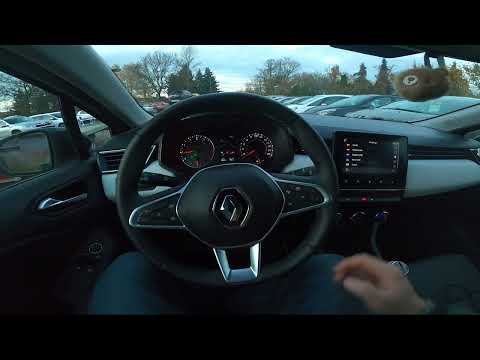
Good morning, today’s goal is to change the language of the on-board computer on your Renault Clio. Start by turning on the on-board computer by pres…
Other guides you may be interested in
|
Frequently Asked QuestionsHow to Activate the Disabled TRC on the Toyota Yaris?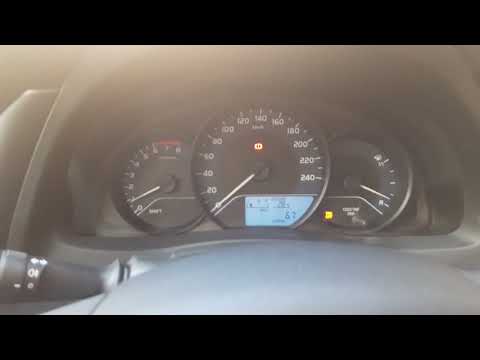
As the video clearly shows, disabling or activating the traction control (TRC or ESP) on the Toyota Yaris is very simple. By default, the traction system activates every time the vehicle is started. To disable it, simply press the button depicting a skidding car located in the centre of the vehicle where the controls are, such as the hazard lights and the radio, but near the handbrake. Once disabled, the TRC off light will illuminate on the dashboard. To reactivate it, just press the same button again. by ScegliAuto More videos
|
|
For advertising on this site Write to info@scegliauto.com
ScegliAuto is not responsible for any inaccuracy of the data in the lists. To report any inaccuracy or your business (if you own the business in question), please write to info@scegliauto.com
Number of seconds to generate the page: 0.024
(c) ScegliAuto 2026 - info@scegliauto.com - Privacy policy VAT number: IT01247470535 |
