
|
Do it yourself
| |||
| ||||


How to Reset the Service Light on a 2013 Renault Trafic?
Model: Renault Trafic
MK 2
- Years:
2001, 2002, 2003, 2004, 2005, 2006, 2007, 2008, 2009, 2010, 2011, 2012
Video tutorial
There is a very simple procedure to reset the service light on the 2013 Renault Trafic, for those unfamiliar, it is the vehicle shown in the attached video. What does it involve? After checking which scheduled maintenance tasks to perform, such as an oil change and others, complete them all and then proceed to turn off the warning light as follows: press the accelerator pedal, turn on the ignition, press the brake pedal three times in succession, release both pedals, and turn off the ignition. Now, turn it back on and check that the light has indeed been reset.
Posted on 25 March 2026 by ScegliAuto
Related tutorials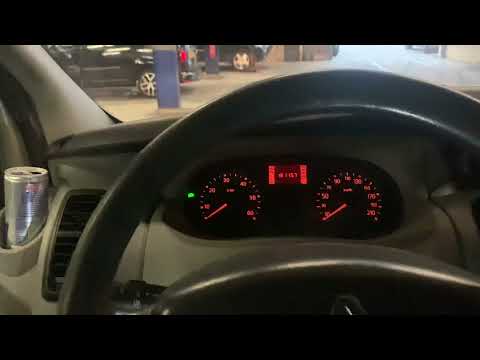
Renault Trafic
(2001-2014 /
MK 2)
To reset the Service light on the Renault Trafic, press and hold the accelerator pedal while the instrument cluster is off. While holding the pedal, …

Renault Trafic
(2001-2014 /
MK 2)
To reset the Service light of the Renault Trafic, you need to connect a diagnostic tool to the OBD port of the vehicle: this port can be found on the…
Renault Trafic
(2014-2026 /
MK 3)
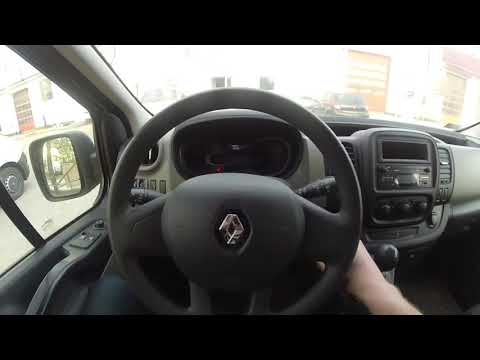
To reset the Service light on the Renault Trafic, turn on the ignition by rotating the key in the ignition switch: once the dashboard lights up, navi…
Other guides you may be interested in
|
Where are the fuses located on the Renault Laguna?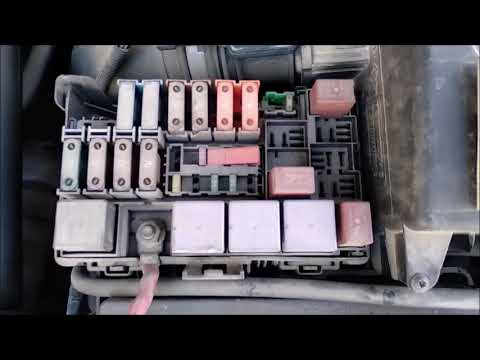
On the Renault Laguna, the fuses are located inside the fuse boxes installed in the vehicle: in this car model, you will find two boxes for containing the fuses. The first is in the fuse box on the left side of the dashboard, accessible by opening the driver's door: here you will find the fuses for the windscreen wipers, fog lights, horn, etc. The second box is located on the right side of the engine compartment: here you will find the fuses for the dipped headlights, radiator fan, alternator, etc. by ScegliAuto More videos
|
|
For advertising on this site Write to info@scegliauto.com
ScegliAuto is not responsible for any inaccuracy of the data in the lists. To report any inaccuracy or your business (if you own the business in question), please write to info@scegliauto.com
Number of seconds to generate the page: 0.009
(c) ScegliAuto 2026 - info@scegliauto.com - Privacy policy VAT number: IT01247470535 |
