
|
Do it yourself
| |||
| ||||


How to Reset the Brake Service Light on a Renault Master
Model: Renault Master
- Years 2010-2023
In this guide, you will find instructions on how to reset the brake service light on a Renault Master. To correctly perform the brake service reset, you will need a specific diagnostic tool to connect to the vehicle's OBD port; alternatively, you can disconnect the cable that controls the brake ECU located near the fuse box, as shown in the video. Once the ECU is reset, the brake light will also be disabled from the instrument panel; you can then reconnect the connector and start the engine.
Posted on 4 October 2026 by ScegliAuto
Video tutorial
Related tutorials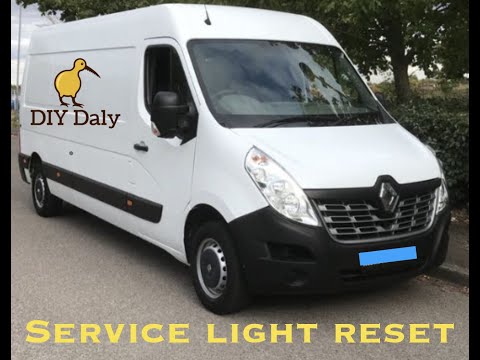
Renault Master
(2010-2023 /
MK 3)
Resetting the service light on the Renault Master is very simple. First, ensure you have completed the maintenance work required at the specified mil…
Renault Master
(2010-2023 /
MK 3)
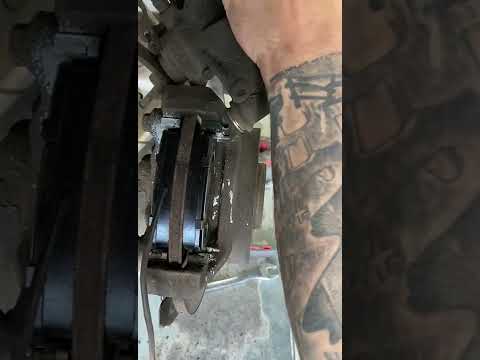
This guide will show you the main steps to remove and replace the rear brake pads on the Renault Master. First, lift the vehicle and remove the rear …

Renault Master
(2024-2026 /
MK 4, XDD)
The procedure to reset the service light on the Renault Master 3 is quite easy to carry out on your own. Follow the steps shown in the video to do it…
Other guides you may be interested in
|
Frequently Asked QuestionsResetting the Tyre Pressure Warning Light on the Hyundai I20
The following instructions will show you how to reset the tyre pressure warning light on the Hyundai I20; before performing the reset, ensure that all four tyres are at the correct operating pressure. Then, get in the vehicle and turn on the ignition; press and hold the TPMS button located on the controls to the left of the steering wheel, as well as on the dashboard, as shown in the video. If the tyre pressures are correct, the warning light will automatically reset on the instrument panel; finally, turn off the ignition and start the engine! by ScegliAuto More videos
|
|
For advertising on this site Write to info@scegliauto.com
ScegliAuto is not responsible for any inaccuracy of the data in the lists. To report any inaccuracy or your business (if you own the business in question), please write to info@scegliauto.com
Number of seconds to generate the page: 0.798
(c) ScegliAuto 2026 - info@scegliauto.com - Privacy policy VAT number: IT01247470535 |
