
|
Do it yourself
| |||
| ||||


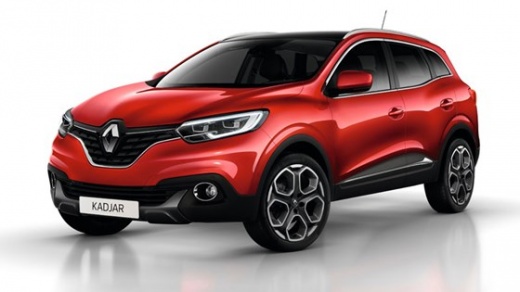
How to Reset the Service Message on a Renault Kadjar
Model: Renault Kadjar
MK 1
- Years:
2015, 2016, 2017, 2018, 2019, 2020, 2021, 2022
Video tutorial
When the yellow light with the spanner symbol lights up on the instrument display, at the top right above the fuel level indicator, it means it's time for maintenance, either due to mileage reached or time elapsed; once you have performed the regular maintenance, turn on the ignition and use the menu selector on the right side of the steering wheel to select the SERVICE INTERVAL option, press OK and select the new maintenance interval (30,000 miles/12 months is recommended), then confirm by pressing the OK button.
Updated on 15 March 2026 by ScegliAuto
Related tutorials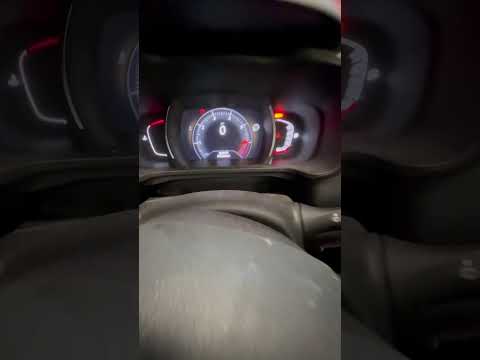
Renault Kadjar
(2015-2022 /
MK 1)
To reset the service light on a Renault Kadjar, turn on the ignition and navigate the menu using the "A" selector lever. Select "maintenance interval…

Renault Kadjar
(2015-2022 /
MK 1)
What should you do if the service light appears? How to reset the maintenance service on a Renault Kadjar? Here’s how to reset it. Turn on the car's …
Renault Kadjar
(2015-2022 /
MK 1)
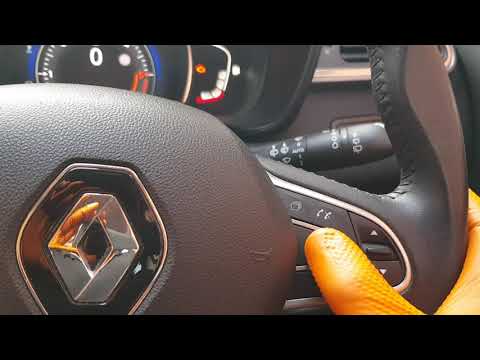
Let's see how to reset the service light for the oil change maintenance on a Renault Kadjar by following the instructions below. First, get inside th…
Other guides you may be interested in
|
Frequently Asked QuestionsHow to Open the Fuel Flap on a Volkswagen Tiguan?
To open the fuel flap on a Volkswagen Tiguan, first unlock the car using the appropriate button on the remote. This will open the car and unlock the mechanism that controls the fuel flap. At this point, apply light pressure to the left side of the flap to open it and access the cap underneath. Once this is unscrewed, you can refuel and then close everything. by ScegliAuto More videos
|
|
For advertising on this site Write to info@scegliauto.com
ScegliAuto is not responsible for any inaccuracy of the data in the lists. To report any inaccuracy or your business (if you own the business in question), please write to info@scegliauto.com
Number of seconds to generate the page: 0.025
(c) ScegliAuto 2026 - info@scegliauto.com - Privacy policy VAT number: IT01247470535 |
