
|
Do it yourself
| |||
| ||||


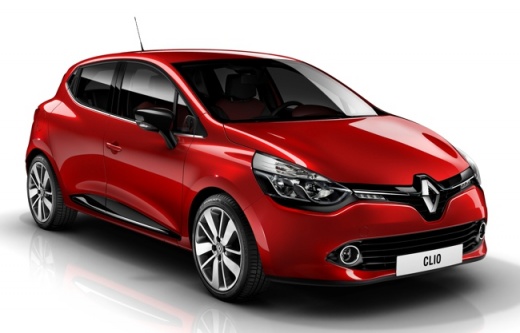
Replacing the rear light bulb on the Renault Clio 4
Model: Renault Clio
MK 4, Clio 4, Clio IV
- Years 2012-2019
In this video we will see the step by step instructions to be able to remove and replace all the rear light bulbs on the Renault Clio fourth series. First of all we open the tailgate of the boot and start by unscrewing the two fixing screws of the light that we find on the sides, in order to remove it; then disconnect the electrical connector of the light bulb, as in the video. At this point we remove the plastic cap to access the lamp holder and therefore the bulbs; we press and rotate to extract them, in order to replace them with new ones. We just have to reassemble everything!
Posted on 5 November 2021 by ScegliAuto
Video tutorial
Related tutorials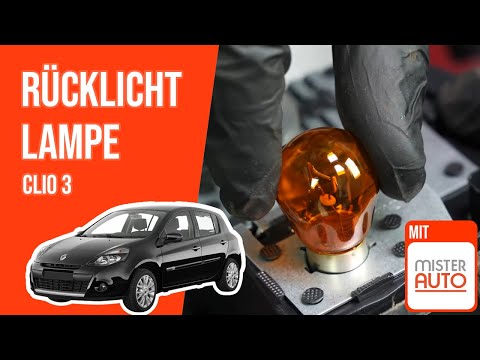
Renault Clio
(2005-2013 /
Clio 3, MK 3, Clio III)
To be able to replace the rear light bulb on the Renault Clio 3, you need to open the boot lid and loosen the screws located between the seal and the…
Renault Clio
(1998-2005 /
MK 2, Clio 2)
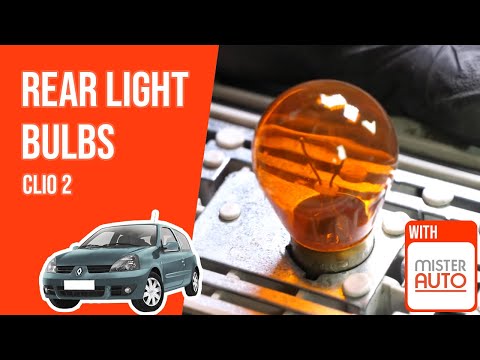
In the following guide, we will describe the various steps required to replace the rear headlight bulb of your Renault Clio Mk2 on your own and in th…
Renault Clio
(1998-2005 /
MK 2, Clio 2)
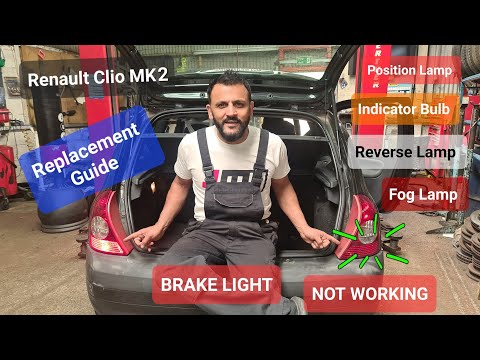
The replacement of the rear headlight bulb on the Renault Clio is done by opening the rear tailgate so that the knob inside the trunk, located near t…
Other guides you may be interested in
|
How to Reset the Tyre Pressure Light on BMW 1 Series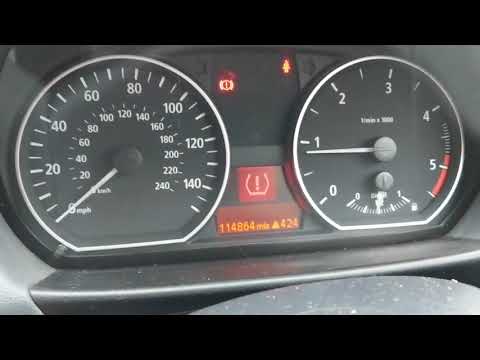
What to do when a warning light appears on the instrument cluster? Here's how to reset the tyre pressure light on a 1 Series. Turn on the instrument cluster, use the buttons on the lever to the left of the steering wheel, then, once in the settings menu, scroll with the up/down button until you find the "Reset Tyres" option, select it using the end of the lever as shown in the video to turn off the tyre pressure warning light and exit the settings menu. Check the instrument cluster by turning it off and back on with the ignition key. Repeat the same procedure for other settings. by ScegliAuto More videos
|
|
For advertising on this site Write to info@scegliauto.com
ScegliAuto is not responsible for any inaccuracy of the data in the lists. To report any inaccuracy or your business (if you own the business in question), please write to info@scegliauto.com
Number of seconds to generate the page: 0.066
(c) ScegliAuto 2026 - info@scegliauto.com - Privacy policy VAT number: IT01247470535 |
