
|
Do it yourself
| |||
| ||||


Replacing Dashboard Lights on Renault Trafic
Model: Renault Trafic
MK 2
- Years:
2001, 2002, 2003, 2004, 2005, 2006, 2007, 2008, 2009, 2010, 2011, 2012
Video tutorial
Start by removing the gear knob by pulling it off: use a plastic trim tool to assist. From underneath, detach the large central plastic piece surrounding the gear lever (if you cannot do this by hand, use a cutting tool, preferably plastic, to avoid scratching). Unscrew the screws that will now be exposed, securing the air control panel, which you can then remove. With the panel in hand, you can unscrew the affected lights from behind and simply insert the new small bulbs.
Updated on 2 May 2026 by ScegliAuto
Related tutorials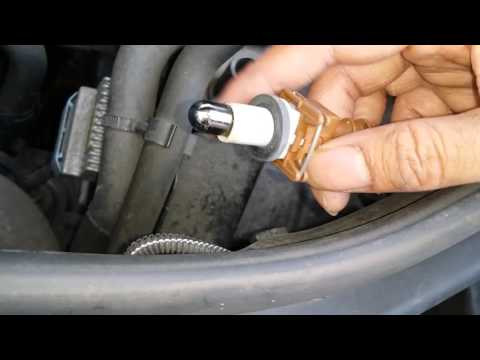
Renault Trafic
(2014-2026 /
MK 3)
When the position light bulb on your Renault Trafic burns out, replace it as soon as possible for your safety and to avoid penalties. Open the bonnet…

Renault Trafic
(2001-2014 /
MK 2)
On the Renault Trafic, the fuses are contained within the appropriate fuse boxes installed on the vehicle: in this type of vehicle, you will find two…
Renault Trafic
(2014-2026 /
MK 3)
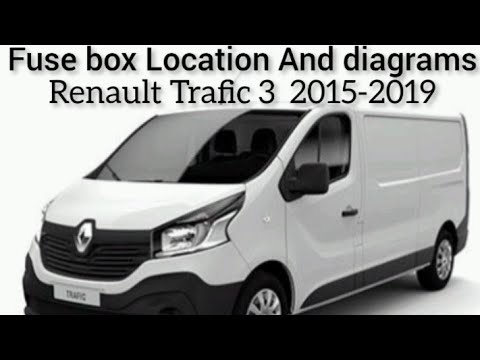
Inside the Renault Trafic, all fuses are contained within dedicated fuse boxes located on the vehicle: this type of vehicle has a single box for the …
Other guides you may be interested in
|
How to Reset the Tyre Pressure Warning Light on a Kia Rio?
The tyre pressure warning light displayed on the instrument cluster of the Kia Rio can be reset by inflating the tyres until they reach the recommended pressure value: this value is indicated on the sticker affixed to the driver's door pillar. Once all tyres have been inflated to the recommended pressure, turn on the ignition to check that the light has disappeared: if it is still present, it may be necessary to drive for a few miles, allowing the sensors to work and thus turning off the light. by ScegliAuto More videos
|
For advertising on this site Write to info@scegliauto.com
ScegliAuto is not responsible for any inaccuracy of the data in the lists. To report any inaccuracy or your business (if you own the business in question), please write to info@scegliauto.com
Number of seconds to generate the page: 0.048
(c) ScegliAuto 2026 - info@scegliauto.com - Privacy policy VAT number: IT01247470535 |
