
|
Do it yourself
| |||
| ||||


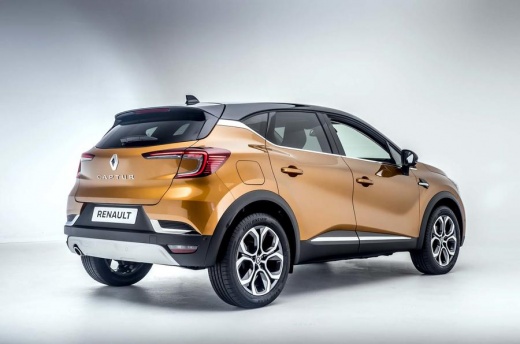
How to Reset the Service Light on the Renault Captur
Model: Renault Captur
MK 2
- Years 2019-2026
Video tutorial
Detailed instructions - If you have noticed a strange service warning light on your dashboard for some time, do not worry as it is nothing serious. In fact, it can be cleared directly from the dashboard buttons, but let’s find out how to do it simply and quickly. Turn on the ignition and then press and hold the ignition button for a few seconds. Using the upper button located on the arrow, navigate through the menu until you find the vehicle maintenance option. Press the same button again to enter. Now, simply reset the displayed data by holding the same button for about 5 seconds. Once the display stops flashing, you can turn off the ignition. Problem solved.
Updated on 4 May 2026 by ScegliAuto
Related tutorials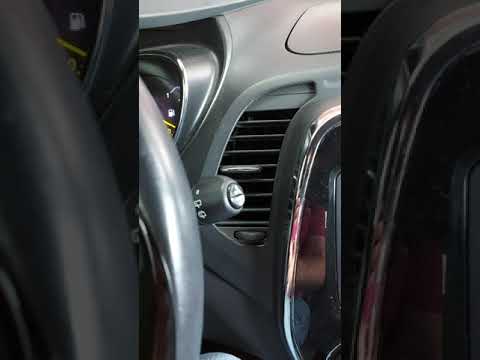
Renault Captur
(2013-2019 /
MK 1)
To reset the Service light on a Renault Captur, turn on the instrument panel to navigate through the menu: press the button located at the bottom of …

Renault Captur
(2013-2019 /
MK 1)
From the display of the Renault Captur, you can completely clear the Service light by turning on the instrument panel to access the menu. To do this,…
Renault Captur
(2013-2019 /
MK 1)
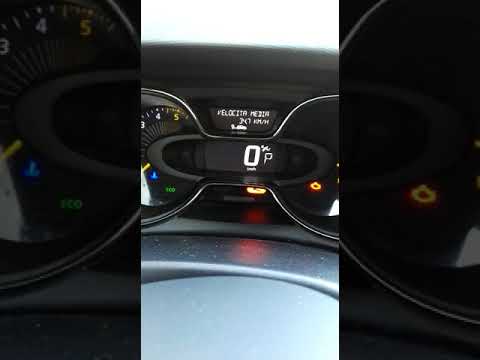
In this video, learn how to reset the maintenance light on a Renault Captur. Insert the key fob into the ignition slot. With the instrument cluster p…
Other guides you may be interested in
|
How to set the clock on the Vespa 125 Primavera?
To set the clock on the Vespa 125 Primavera, press and hold the black button located just below the black knob on the bike: keep the button pressed until the hour number starts to flash. Once it is flashing, you can change the hours with single presses of the same button; then, by pressing and holding the button again, the hour number will stop flashing and the minute number will start to flash, which can be modified in the same way, confirming the input by holding the button. by ScegliAuto More videos
|
|
For advertising on this site Write to info@scegliauto.com
ScegliAuto is not responsible for any inaccuracy of the data in the lists. To report any inaccuracy or your business (if you own the business in question), please write to info@scegliauto.com
Number of seconds to generate the page: 0.174
(c) ScegliAuto 2026 - info@scegliauto.com - Privacy policy VAT number: IT01247470535 |
