
|
Do it yourself
| |||
| ||||


How to replace the diesel filter on Renault Scenic 3 from 2009
Model: Renault Scenic
MK III, Scenic III, Scenic 3, MK 3
- Years 2009-2015
The guide shows how to replace the diesel filter on this vehicle. The first operation to carry out is to lift the car in order to remove the right front wheel and the adjoining wheel arch (secure the car before and during lifting). At this point, the filter cover fixing bolt must be unscrewed and the electrical connector at the base of the filter removed. On the upper part there are two pipes (to be disconnected. Attention that fuel could come out) and a second electrical connector. At this point, detach the two probes at the ends of the removed filter and reassemble them on the new piece. Refit the filter in its housing and insert the fuel connectors and cables and reassemble the detached parts to access the piece. From the engine compartment, pump the diesel fuel into the filter using the special pump. At this point the operation is concluded.
Posted on 13 January 2022 by ScegliAuto
Video tutorial
Related tutorials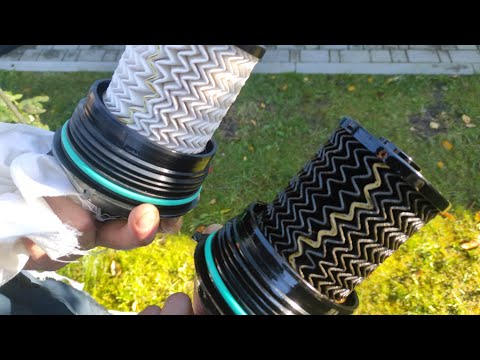
Renault Scenic
(2016-2022 /
MK IV, MK 4, Scenic IV, Scenic 4)
Today we will see, in this short guide, the procedure that will allow us to remove and replace the diesel filter of the Renault Grand Scenic. First o…

Renault Scenic
(2009-2015 /
MK III, Scenic III, Scenic 3, MK 3)
Today we will discover the instructions that will allow us to disassemble and replace the diesel filter of the Renault Megane 1.5 dCi. First, we remo…
Renault Scenic
(2003-2009 /
Scenic 2, MK 2)
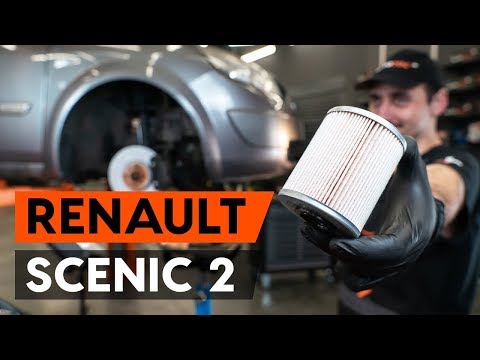
Let's see in this video how to remove the front wheel arch and how to replace the diesel filter on a second generation Renault Scenic. First of all, …
Other guides you may be interested in
|
Frequently Asked QuestionsHow to Reset the Tyre Pressure Light on a Mini
Learn how to reset the tyre maintenance service light on a Mini. Follow these steps: enter the vehicle and turn on the instrument cluster (with the ignition key), press the button on the lever (next to the steering wheel), scroll through the menu that appears on the display until you find the option to select. Select the option with the right button and press it firmly (wait for the light to turn off). Finally, turn off the instrument cluster and check the settings made. Always remember to make changes to the onboard computer while the vehicle is stationary and turned off. by ScegliAuto More videos
|
|
For advertising on this site Write to info@scegliauto.com
ScegliAuto is not responsible for any inaccuracy of the data in the lists. To report any inaccuracy or your business (if you own the business in question), please write to info@scegliauto.com
Number of seconds to generate the page: 0.062
(c) ScegliAuto 2026 - info@scegliauto.com - Privacy policy VAT number: IT01247470535 |
