
|
Do it yourself
| |||
| ||||


How to Remove the Radio from a Renault Scenic
Model: Renault Scenic
Scenic 2, MK 2
- Years:
2003, 2004, 2005, 2006, 2007, 2008, 2009
Video tutorial
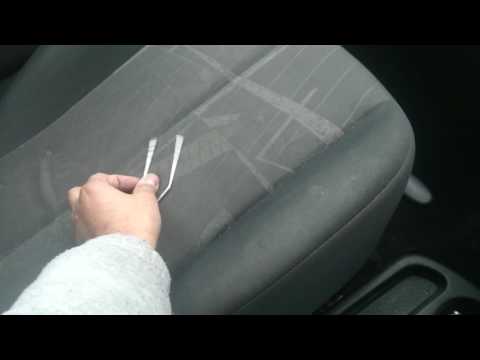
In today's video, we will see how to remove the original radio from the second series Renault Scenic. First, locate the original metal keys for the radio or alternatively, create them using two bent metal rods. Insert them into the holes on the radio's fascia and then pull the device towards you firmly. Once extracted, disconnect the power connectors and the radio antenna. Now, you can read the serial code of the radio, which, along with the precode, will allow you to unlock the system if necessary.
Updated on 15 May 2026 by ScegliAuto
Related tutorials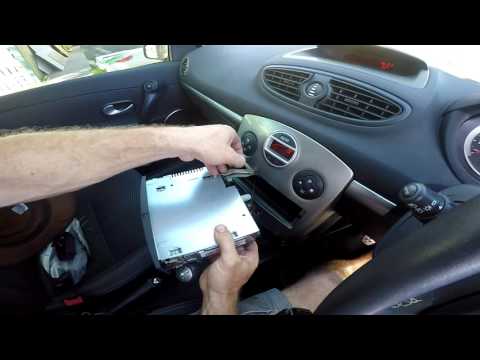
Renault Scenic
(2003-2009 /
Scenic 2, MK 2)
How to remove the original radio from a Renault Scenic? In this video, learn how to carry out the removal by following the guidelines. Use the origin…
Renault Scenic
(2003-2009 /
Scenic 2, MK 2)
Want to remove the radio from your Renault Scenic? Let's look at how to disassemble the pieces to access and remove the radio. Obtain removal keys to…
Renault Scenic
(2009-2015 /
MK III, Scenic III, Scenic 3, MK 3)
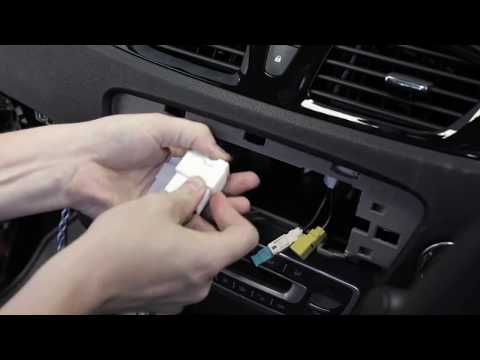
Replacing the stereo on a Renault Scenic and installing a new one? Let’s disassemble the radio and see how to do it. Remove the trim around the stere…
Other guides you may be interested in
|
Where are the fuses located on the Renault Laguna?
On the Renault Laguna, the fuses are located inside the fuse boxes installed in the vehicle: in this car model, you will find two boxes for containing the fuses. The first is in the fuse box on the left side of the dashboard, accessible by opening the driver's door: here you will find the fuses for the windscreen wipers, fog lights, horn, etc. The second box is located on the right side of the engine compartment: here you will find the fuses for the dipped headlights, radiator fan, alternator, etc. by ScegliAuto More videos
|
|
For advertising on this site Write to info@scegliauto.com
ScegliAuto is not responsible for any inaccuracy of the data in the lists. To report any inaccuracy or your business (if you own the business in question), please write to info@scegliauto.com
Number of seconds to generate the page: 0.082
(c) ScegliAuto 2026 - info@scegliauto.com - Privacy policy VAT number: IT01247470535 |
