
|
Do it yourself
| |||
| ||||


How to Reset the Service Light on the Renault Captur
Model: Renault Captur
MK 1
- Years 2013-2019
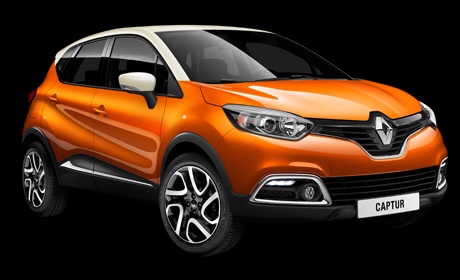
To reset the service light on the Renault Captur, start by inserting the key card into the ignition slot, turning on the instrument panel (do not start the engine); press the top button at the end of the wiper stalk until "service interval" appears; then press and hold the bottom button at the end of the wiper stalk until the mileage to reset appears; now press and hold the bottom button again until the mileage resets (do not release the button if the message starts to flash). Finally, turn off the instrument panel by removing the key card, reinserting it, and you will notice that the service light is off.
Updated on 23 May 2026 by ScegliAuto
Video tutorial
Related tutorials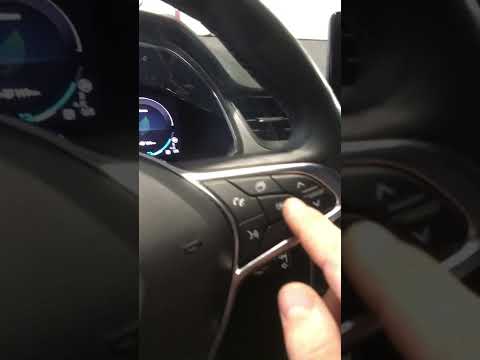
Renault Captur
(2019-2026 /
MK 2)
In this tutorial, you will learn how to reset the service light on a Renault Captur. Before proceeding, ensure you have completed all scheduled maint…
Renault Captur
(2019-2026 /
MK 2)
In this tutorial, you will see how to reset the service light on a Renault Captur, an extremely simple and quick operation to perform only after comp…

Renault Captur
(2019-2026 /
MK 2)
In this tutorial we can see how to reset the service in the Renault Captur, an extremely simple and quick operation, to be carried out only once all …
Other guides you may be interested in
|
How to Access the Spare Wheel of the Fiat Doblo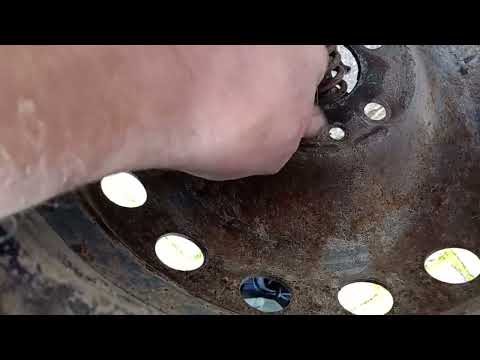
The Fiat Doblo comes with the spare wheel located on the underside of the vehicle. This guide explains how to access the spare wheel in case you need to use it. To access the spare wheel, open the boot of the vehicle and insert the metal tube into the designated hole near the lock. Using a torque wrench, turn the tube/key until you feel the release of the wheel from the ground, disconnect the wire, and take the wheel to place it in the housing. To facilitate removal, lift the vehicle with a jack. by ScegliAuto More videos
|
|
For advertising on this site Write to info@scegliauto.com
ScegliAuto is not responsible for any inaccuracy of the data in the lists. To report any inaccuracy or your business (if you own the business in question), please write to info@scegliauto.com
Number of seconds to generate the page: 0.829
(c) ScegliAuto 2026 - info@scegliauto.com - Privacy policy VAT number: IT01247470535 |
