
|
Do it yourself
| |||
| ||||


How to Reset the Service Light on the Renault Clio
Model: Renault Clio
MK 3, Clio 3, Clio III
- Years 2005-2013
If you have changed the engine oil and filter yourself, you need to reset the service light that has illuminated on the instrument panel. To do this, turn on the ignition and use the controls at the ends of the right multifunction lever to scroll through the onboard computer menu until you reach Service. Then press and hold the upward arrow on the end of the lever to reset and update the next service indication. For safety, turn off and then turn on the ignition again to verify.
Updated on 25 May 2026 by ScegliAuto
Video tutorial
Related tutorials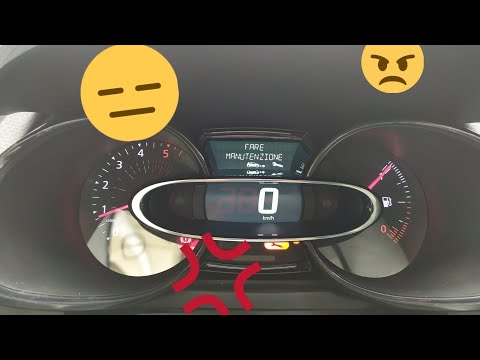
Renault Clio
(2012-2019 /
Clio IV, MK 4, Clio 4)
Before you begin, sit in the driver's seat of your Renault Clio. Start by activating the instrument panel. Next, select the "Service Interval" option…
Renault Clio
(2019-2026 /
Clio V, Clio 5)
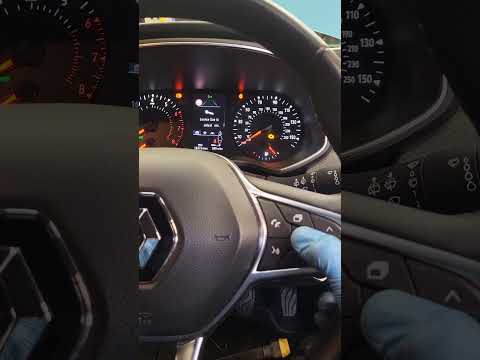
Good morning, today’s goal is to reset the "Service" light on your Renault Clio. Turn on the instrument panel by pressing the power button. Next, usi…
Renault Clio
(2005-2013 /
MK 3, Clio 3, Clio III)
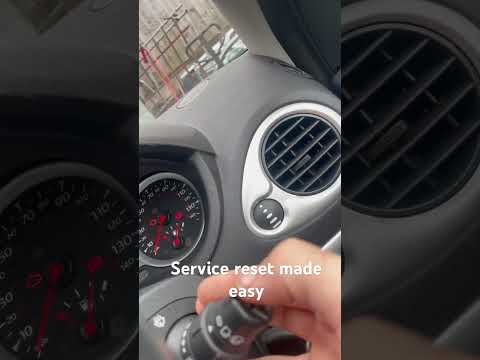
When the service light illuminates on the instrument cluster of your Renault Clio Mk3 (2005-2013) despite having already completed the service, you m…
Other guides you may be interested in
|
Frequently Asked QuestionsHow to Adjust the Brightness of the Instrument Cluster on a Peugeot 3008?
To adjust the brightness of the instrument cluster on a Peugeot 3008, you need to turn on the ignition and access the settings via the menu located in the central area of the dashboard. In the screen that appears, select the "Display Configuration" option: now, by selecting the "Brightness" option, you can adjust it using the dedicated slider that will appear on the screen. The adjustment should be made with the headlights on as well as with them off. Once the adjustment is complete, you can turn off the instrument cluster. by ScegliAuto More videos
|

|
For advertising on this site Write to info@scegliauto.com
ScegliAuto is not responsible for any inaccuracy of the data in the lists. To report any inaccuracy or your business (if you own the business in question), please write to info@scegliauto.com
Number of seconds to generate the page: 0.795
(c) ScegliAuto 2026 - info@scegliauto.com - Privacy policy VAT number: IT01247470535 |
