
|
Do it yourself
| |||
| ||||


How to reset the tire pressure warning light in a Renault Kadjar
Model: Renault Kadjar
MK 1
- Years 2015-2022
In this video tutorial we are shown how to reset the tire pressure warning light in a Renault Kadjar. First we will have to get into the car and turn on the instrument panel without starting the car. We then press the start/stop button and access the instrument panel; use the arrow keys on the right side of the steering wheel to navigate the menu until you find the "tire pressure" item. At this point, hold down the ok button for 5 seconds to reset the warning light. Finally, to verify the success of the operation, just turn the ignition off and on again.
Posted on 29 January 2023 by ScegliAuto
Video tutorial
Related tutorials
Renault Kadjar
(2015-2022 /
MK 1)
In order to reset the tire pressure warning light of the Renault Kadjar, first you will need to inflate the tires until they reach the recommended pr…

Renault Kadjar
(2015-2022 /
MK 1)
To reset the tire pressure warning light on the Renault Kadjar, you need to inflate the tires to the correct pressure value: this value is indicated …
Renault Kadjar
(2015-2022 /
MK 1)
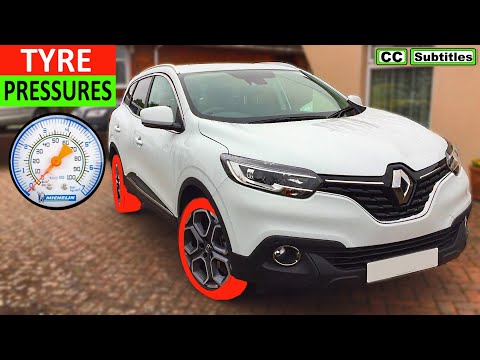
The Renault Kadjar, like many new generation vehicles, automatically resets the TPMS light, which is related to tire pressure. However, to start the …
Other guides you may be interested in
|
How to Remove the Centre Console on a Renault Scenic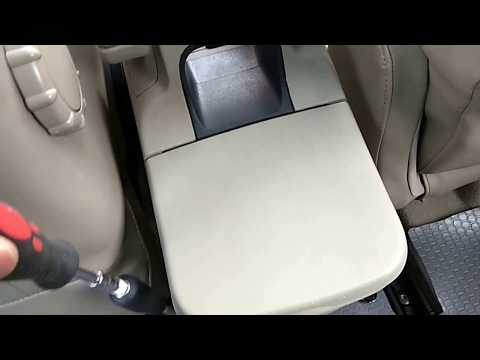
Watch this video to learn how to remove the glove compartment from the rear cover of the centre console on a Renault Scenic. Use a plastic lever to pry at the edge of the side plastics as shown in the video. Once the plastics are removed, unscrew the screws located at the sides of the centre console with a suitable screwdriver, and disconnect all the power connectors. Remove the side rests from the glove compartment. Fit the new piece onto the centre cover and proceed with the assembly of the remaining parts, working in reverse order. by ScegliAuto More videos
|
|
For advertising on this site Write to info@scegliauto.com
ScegliAuto is not responsible for any inaccuracy of the data in the lists. To report any inaccuracy or your business (if you own the business in question), please write to info@scegliauto.com
Number of seconds to generate the page: 0.116
(c) ScegliAuto 2026 - info@scegliauto.com - Privacy policy VAT number: IT01247470535 |
