
|
Do it yourself
| |||
| ||||


How to set up the vocal composition on a Megane 3.
Model: Renault Megane
Megane 3, Megane III
- Years 2008-2015
Setting up vocal composition on the Renault Megane 3 is very simple and today, with the help of our short video tutorial, we will explain how to carry out this operation in a few steps. Let's start by turning on the dashboard and the onboard computer of the car, it will not be necessary to start the engine to perform this operation. Next, press the last button on the bottom right of the radio to connect your phone to the car's system. Once pressed, you will need to select "Phone settings" from the display and through Bluetooth, the phone will automatically connect to the car every time you enter the vehicle.
Posted on 5 June 2023 by ScegliAuto
Video tutorial
Related tutorials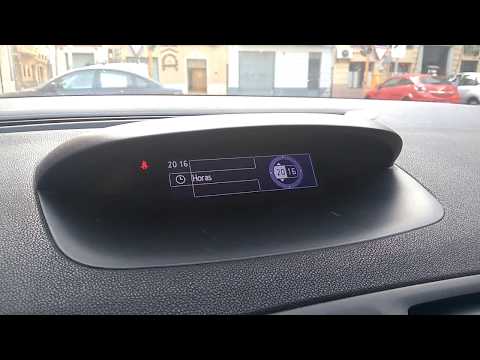
Renault Megane
(2008-2015 /
Megane 3, Megane III)
In this article, we will see the procedure for adjusting the time on the Renault Megane 3. The procedure is quick and takes little time to complete. …
Renault Megane
(2008-2015 /
Megane 3, Megane III)
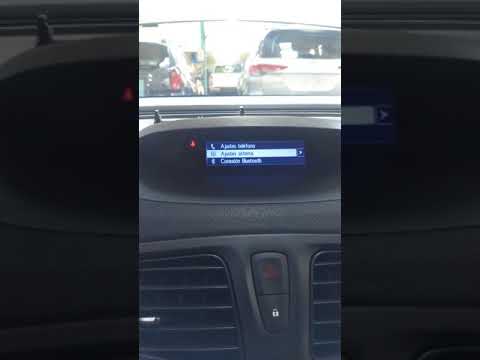
The steps to adjust the clock on a Renault Megane model 3 vehicle are 5. -the first step: turn on the instrument panel; -the second step: press the M…

Renault Megane
(2015-2023 /
Megane IV, Megane 4)
Setting the clock on a Renault Megane model 4 vehicle is a very simple operation that can be done in a few easy steps. The first step is to turn on t…
Other guides you may be interested in
|
How to Remove the Gear Knob on an Opel Astra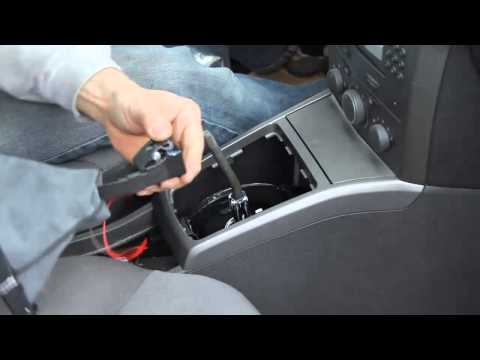
How to replace the gear knob on an Opel Astra? Follow these steps: use a plastic lever to disconnect the leather gaiter frame (if you need to replace it). Grip the knob with both hands and pull it upwards (with a strong and decisive motion) until it comes off the gear stick. For installation: fit the new gaiter and position it on the centre tunnel, take the new knob and push it onto the stick, tightening it until fully threaded. Test the movement of the stick on the centre tunnel to ensure the knob is correctly fitted. by ScegliAuto More videos
|
|
For advertising on this site Write to info@scegliauto.com
ScegliAuto is not responsible for any inaccuracy of the data in the lists. To report any inaccuracy or your business (if you own the business in question), please write to info@scegliauto.com
Number of seconds to generate the page: 0.069
(c) ScegliAuto 2026 - info@scegliauto.com - Privacy policy VAT number: IT01247470535 |
