
|
Do it yourself
| |||
| ||||


How to Replace the Third Brake Light Bulb on the Renault Clio
Model: Renault Clio
MK 3, Clio 3, Clio III
- Years 2005-2013
In this short guide, you will see how to remove and replace the third brake light bulb on the Renault Clio. First, open the rear hatch of the boot and start by removing the two plastic caps found behind the brake light; then press on the tabs of the light unit found inside the holes to unclip and remove it from the outside, as shown in the video. Now disconnect the electrical connector and, if necessary, replace the small bulb; all that’s left is to refit the third brake light, applying the reverse procedure!
Updated on 7 August 2026 by ScegliAuto
Video tutorial
Related tutorials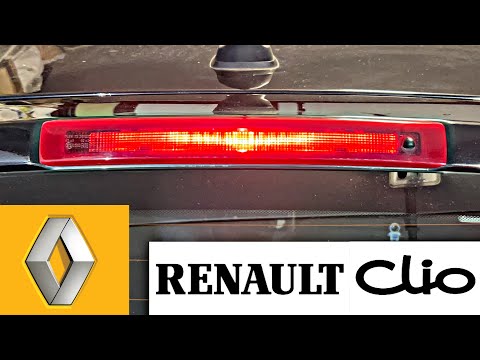
Renault Clio
(2005-2013 /
MK 3, Clio 3, Clio III)
To replace the third brake light on the Renault Clio 3, first lift the rear hatch and remove the plastic caps found at the top. These can be extracte…
Renault Clio
(1998-2005 /
Clio 2, MK 2)
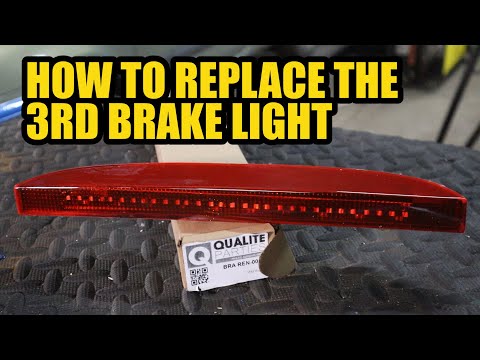
In this video tutorial, we will see the steps that will allow us to disassemble and replace the entire third brake light on the Renault Clio second s…

Renault Clio
(2005-2013 /
MK 3, Clio 3, Clio III)
If you want to replace the brake light bulb of your Renault Clio by yourself, you should first carefully read the following guide and then apply the …
Other guides you may be interested in
|
How to reset the tyre pressure warning light on the Suzuki Jimny?
To reset the tyre pressure warning light on the Suzuki Jimny, first inflate the tyres to the pressure value indicated on the corresponding sticker: this is located at the bottom of the driver's door pillar. Once the tyres are inflated, insert the ignition key and turn on the instrument panel: select the screen that indicates the tyre pressures, checking that the values change. After a few seconds, the tyre pressure warning light will automatically turn off. by ScegliAuto More videos
|

|
For advertising on this site Write to info@scegliauto.com
ScegliAuto is not responsible for any inaccuracy of the data in the lists. To report any inaccuracy or your business (if you own the business in question), please write to info@scegliauto.com
Number of seconds to generate the page: 0.113
(c) ScegliAuto 2026 - info@scegliauto.com - Privacy policy VAT number: IT01247470535 |
