
|
Do it yourself
| |||
| ||||


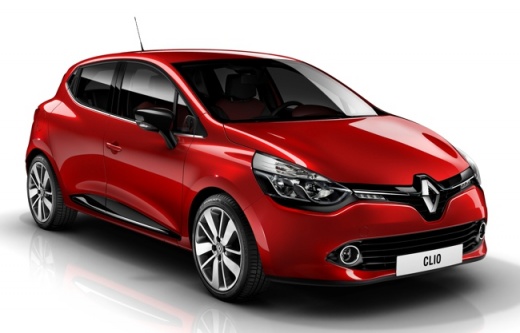
How to Install the Radio in a Clio 4
Model: Renault Clio
Clio IV, Clio 4, MK 4
- Years:
2012, 2013, 2014, 2015, 2016, 2017, 2018, 2019
Video tutorial
Using this video tutorial, learn how to install a new Android system radio in a Renault Clio 4. First, remove the hard plastic trim surrounding the old radio, taking care not to scratch the dashboard. Next, dismantle the display by unscrewing the four screws holding it in place and disconnecting the power connectors. Once these simple tasks are completed, proceed to install the new radio by reversing the disassembly steps. Before fitting the plastic cover, ensure the new radio works; if it does, finish the job and enjoy some good music.
Updated on 26 August 2026 by ScegliAuto
Related tutorials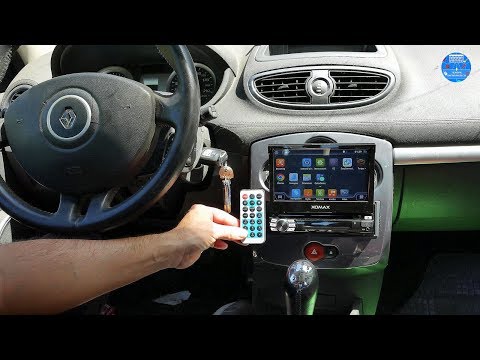
Renault Clio
(2005-2013 /
Clio 3, MK 3, Clio III)
Want to install a new car radio in the dashboard of a Renault Clio? Let's look at how to remove the old car radio. Insert the release keys into the h…
Renault Clio
(1998-2005 /
MK 2, Clio 2)
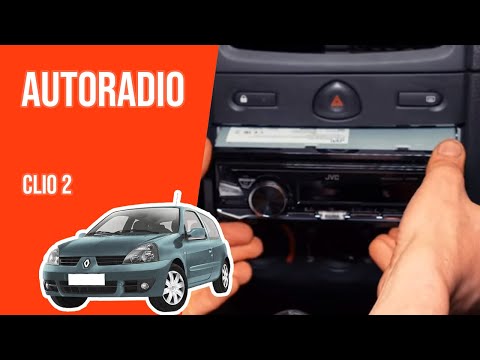
Removing the radio from a Renault Clio. Here's how to remove it and fit a new one in the dashboard. Insert the removal keys into the holes on the sid…
Renault Clio
(1998-2005 /
MK 2, Clio 2)
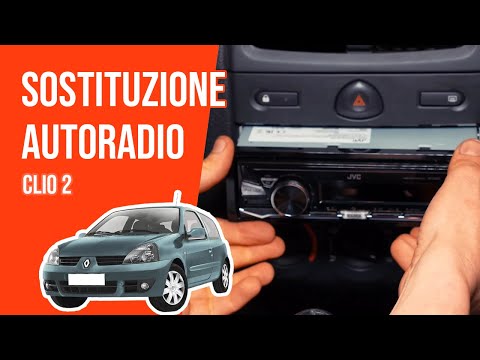
Before you can start, sit in the driver's seat of your Renault Clio. Begin by fully inserting the extraction keys into the holes on the front face of…
Other guides you may be interested in |
Where are the fuses located on the Renault Laguna?
On the Renault Laguna, the fuses are located inside the fuse boxes installed in the vehicle: in this car model, you will find two boxes for containing the fuses. The first is in the fuse box on the left side of the dashboard, accessible by opening the driver's door: here you will find the fuses for the windscreen wipers, fog lights, horn, etc. The second box is located on the right side of the engine compartment: here you will find the fuses for the dipped headlights, radiator fan, alternator, etc. by ScegliAuto More videos
|
|
For advertising on this site Write to info@scegliauto.com
ScegliAuto is not responsible for any inaccuracy of the data in the lists. To report any inaccuracy or your business (if you own the business in question), please write to info@scegliauto.com
Number of seconds to generate the page: 0.024
(c) ScegliAuto 2026 - info@scegliauto.com - Privacy policy VAT number: IT01247470535 |
