
|
Do it yourself
| |||
| ||||


Removing the Radio on a Clio
Model: Renault Clio
MK 2, Clio 2
- Years:
1998, 1999, 2000, 2001, 2002, 2003, 2004, 2005
Video tutorial
Removing the radio from a Renault Clio. Here's how to remove it and fit a new one in the dashboard. Insert the removal keys into the holes on the sides of the radio, unlock the fixing clips, and pull the radio towards you. Remove the radio from the dashboard and disconnect the connectors (power and antenna). To reassemble, reverse the disassembly steps. Connect the electrical connectors, insert the radio into the dashboard, and secure it. Perform a power-on test after reassembly (turn on the ignition and then the radio).
Updated on 28 March 2026 by ScegliAuto
Related tutorials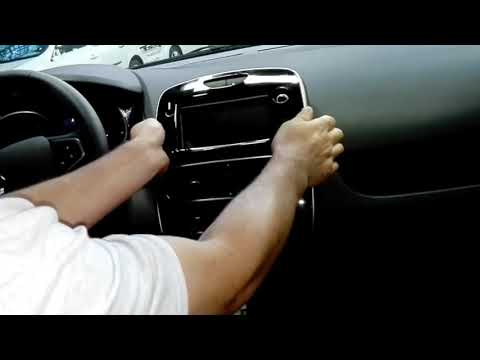
Renault Clio
(2012-2019 /
Clio IV, Clio 4, MK 4)
How to remove the radio navigation system from a Renault Clio? Before removing the radio, you need to take off the covering plastics. Turn off the ra…
Renault Clio
(2012-2019 /
Clio IV, Clio 4, MK 4)
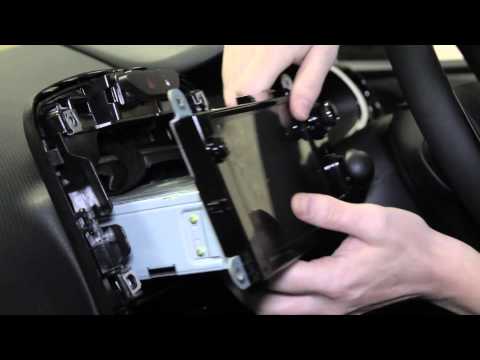
Removing the radio from a Clio. Here's how to do it. Use a lever to detach the covering of the radio: remove it from the central dashboard. Once the …
Renault Clio
(2012-2019 /
Clio IV, Clio 4, MK 4)
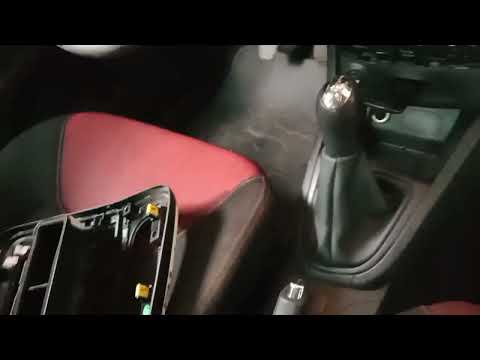
To remove the radio from the Renault Clio 4, use a tool to pry off the trim located at the centre of the dashboard, which surrounds the radio. Once t…
Other guides you may be interested in
|
How to Set the Time on an Audi A6
Briefly, we will see the instructions to set the time on the Audi A6 by following these simple steps. First, get inside the vehicle and turn on the instrument cluster; then press the settings button and navigate to the time option to confirm your choice, as shown in the video. At this point, set the correct time and format, then exit the settings menu to save the changes made; finally, start the engine and ensure that the time has been set correctly! by ScegliAuto More videos
|
|
For advertising on this site Write to info@scegliauto.com
ScegliAuto is not responsible for any inaccuracy of the data in the lists. To report any inaccuracy or your business (if you own the business in question), please write to info@scegliauto.com
Number of seconds to generate the page: 0.123
(c) ScegliAuto 2026 - info@scegliauto.com - Privacy policy VAT number: IT01247470535 |
