
|
Do it yourself
| |||
| ||||


How to Enter the Renault Scenic Radio Code
Model: Renault Scenic
Scenic 2, MK 2
- Years:
2003, 2004, 2005, 2006, 2007, 2008, 2009
Video tutorial
It often happens that after replacing the battery, you need to enter the unlock code for the radio to reactivate it. In addition to resetting the clock, if you do not have the radio unlock code, there is a smartphone application that allows you to retrieve it using the QR code located on the side of the radio itself. Therefore, extract the radio from its housing by inserting pins into the designated holes. Once you have retrieved the code, use the preset station buttons to enter it: each button must be pressed a number of times equal to the digit of the code, then confirm by pressing button number 6.
Updated on 21 February 2026 by ScegliAuto
Related tutorials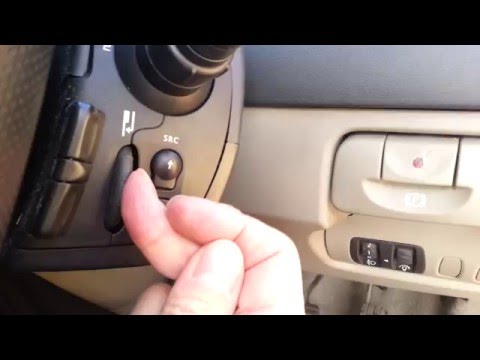
Renault Scenic
(2003-2009 /
Scenic 2, MK 2)
In this video, we will see how to enter the radio code on a second-generation Renault Scenic. Whenever we disconnect the car battery, remove the radi…
Renault Scenic
(2003-2009 /
Scenic 2, MK 2)
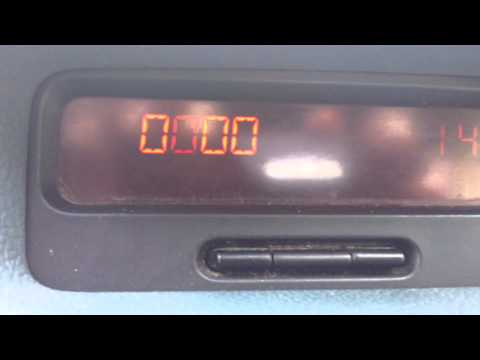
Learn how to enter the radio code after removing the battery or replacing the stereo on a Renault Scenic. This is a very simple operation: enter the …
Renault Scenic
(2003-2009 /
Scenic 2, MK 2)
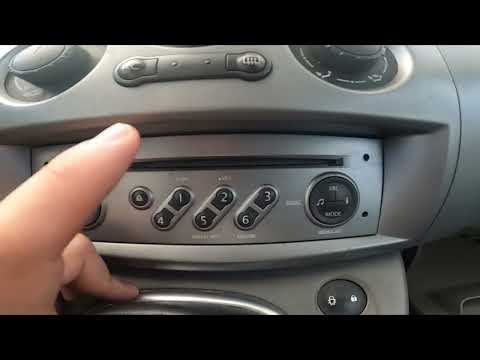
To enter the unlock code for the Renault Scenic radio, first locate the code from the vehicle's user and maintenance manual or from specific websites…
Other guides you may be interested in
|
Frequently Asked QuestionsWhere are the fuses located on the Renault Laguna?
On the Renault Laguna, the fuses are located inside the fuse boxes installed in the vehicle: in this car model, you will find two boxes for containing the fuses. The first is in the fuse box on the left side of the dashboard, accessible by opening the driver's door: here you will find the fuses for the windscreen wipers, fog lights, horn, etc. The second box is located on the right side of the engine compartment: here you will find the fuses for the dipped headlights, radiator fan, alternator, etc. by ScegliAuto More videos
|
|
For advertising on this site Write to info@scegliauto.com
ScegliAuto is not responsible for any inaccuracy of the data in the lists. To report any inaccuracy or your business (if you own the business in question), please write to info@scegliauto.com
Number of seconds to generate the page: 0.083
(c) ScegliAuto 2026 - info@scegliauto.com - Privacy policy VAT number: IT01247470535 |
