
|
Do it yourself
| |||
| ||||


Replace Rear Headlamp Bulb
Model: Renault Clio
MK 2, Clio 2
- Years:
1998, 1999, 2000, 2001, 2002, 2003, 2004, 2005
This video is currently unavailable
First, use some plastic tools to avoid scratching or damaging the bodywork when you remove the plastic trim under the headlamp. From there, use a socket wrench with an extension to insert it into the space beneath the trim, trying to loosen the retaining bolt without fully unscrewing it. Start by unscrewing the screws located on the upper side of the headlamp assembly, carefully pulling the upper cover outwards while being mindful of the electrical cables connected to the lights. Once the piece is opened, disconnect the connectors and wires, and remove the tangled wiring to replace the headlamp. Now, lift the upholstery cover that hides the back of the headlamp. At the bottom of the headlamp, there is a knob that needs to be unscrewed and pulled off.
Updated on 22 February 2026 by ScegliAuto
Related tutorials
Renault Clio
(1998-2005 /
MK 2, Clio 2)
To replace the rear light bulb, you need to remove the light from its housing. Open the rear bonnet and locate the fixing ring of the rear light posi…
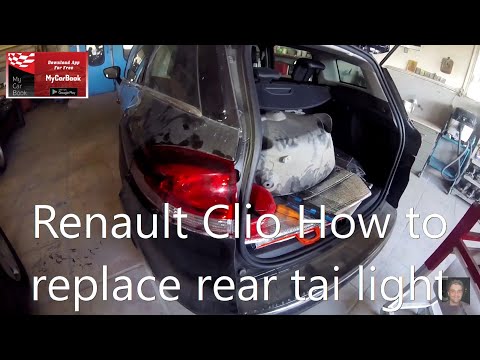
Renault Clio
(2005-2013 /
Clio 3, MK 3, Clio III)
Replace the blown bulbs of the rear headlamp on a Renault Clio. Lift the boot and secure it with the prop rod. Locate the inspection cap of the headl…
Renault Clio
(1998-2005 /
MK 2, Clio 2)
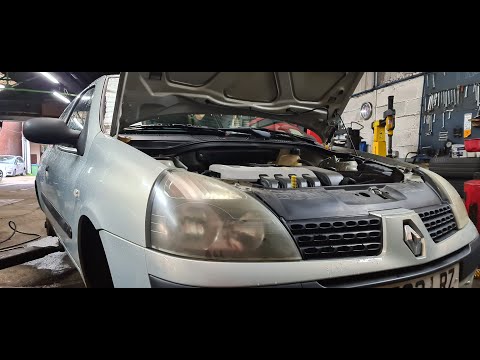
Are the front headlamp bulbs blown? Lift the front bonnet of the car and locate the back of the headlamp. Find the inspection cover and remove it. Pu…
Other guides you may be interested in |
How to Set the Time on an Audi A6
Briefly, we will see the instructions to set the time on the Audi A6 by following these simple steps. First, get inside the vehicle and turn on the instrument cluster; then press the settings button and navigate to the time option to confirm your choice, as shown in the video. At this point, set the correct time and format, then exit the settings menu to save the changes made; finally, start the engine and ensure that the time has been set correctly! by ScegliAuto More videos
|
|
For advertising on this site Write to info@scegliauto.com
ScegliAuto is not responsible for any inaccuracy of the data in the lists. To report any inaccuracy or your business (if you own the business in question), please write to info@scegliauto.com
Number of seconds to generate the page: 0.082
(c) ScegliAuto 2026 - info@scegliauto.com - Privacy policy VAT number: IT01247470535 |
