
|
Do it yourself
| |||
| ||||


How to customize the settings of the Renault Captur
Model: Renault Captur
MK 2
- Years 2019-2026
In this video we see how to customize the settings of the Renault Captur: from the central screen we select settings/vehicle/vehicle configuration to access the settings. Here we can set the volume of the acoustic signal of the direction indicator, we will set the way in which our vehicle will welcome us - there are several options to choose from - then we move on to the windshield wiper settings, where there are several functions that we can choose to activate; we can then set various options regarding vehicle access on the doors. By pressing the last button on the left we will return to the main menu.
Posted on 17 April 2024 by ScegliAuto
Video tutorial
Related tutorials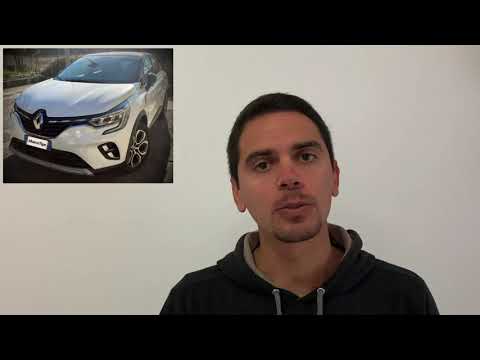
Renault Captur
(2019-2026 /
MK 2)
If the welcome sound of your Renault Captur annoys you rather than relaxing you, you can easily disable it. Get in the car and close all four doors. …
Renault Captur
(2019-2026 /
MK 2)
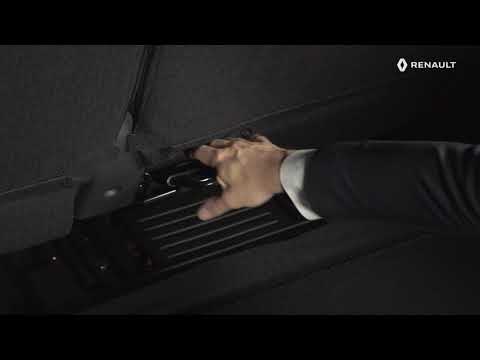
This brief and simple guide shows how to lower the rear seats of the Renault Captur by following the instructions below. First, open the boot's tailg…
Renault Captur
(2013-2019 /
MK 1)
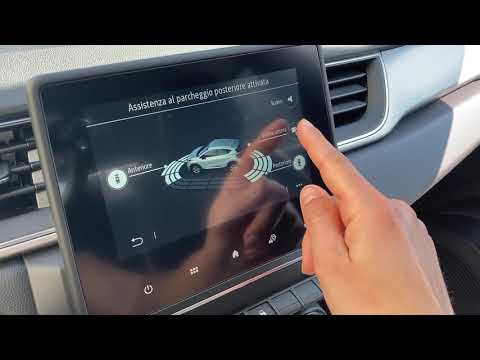
This video shows the settings and all the features of the infotainment system on the Renault Captur. This video is useful for anyone needing to under…
Other guides you may be interested in
|
Frequently Asked QuestionsHow to Bleed the Clutch on a Renault Clio?
To bleed the clutch on a Renault Clio, open the bonnet to access the components located in the engine bay: here, you will need to undo the screws that secure the battery in its housing, the intake manifold, and the coolant reservoir. This will allow you to locate the pipe through which the brake fluid flows: by inserting the other end of the pipe into a container, you can press the clutch pedal to expel all the fluid until it fills the container. by ScegliAuto More videos
|
|
For advertising on this site Write to info@scegliauto.com
ScegliAuto is not responsible for any inaccuracy of the data in the lists. To report any inaccuracy or your business (if you own the business in question), please write to info@scegliauto.com
Number of seconds to generate the page: 0.849
(c) ScegliAuto 2026 - info@scegliauto.com - Privacy policy VAT number: IT01247470535 |
