
|
Do it yourself
| |||
| ||||


How to Replace the Rear Door Panel on the Renault Clio
Model: Renault Clio
MK 2, Clio 2
- Years:
1998, 1999, 2000, 2001, 2002, 2003, 2004, 2005
Video tutorial
To carry out this operation, you will need to remove the bolt located at the back of the handle and also the bolt found in the small storage compartment on the armrest. This will allow you to remove these two parts. Next, proceed to remove the window winder, and subsequently remove any bolts around the panel. Now you can remove the panel using some plastic levers. Disconnect the cables connected to the connectors at the back, and for reassembly, retrace the steps in reverse.
Updated on 24 February 2026 by ScegliAuto
Related tutorials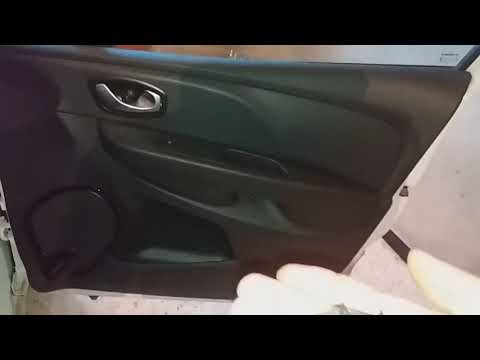
Renault Clio
(2012-2019 /
Clio IV, Clio 4, MK 4)
This guide shows you how to remove and replace the front door panel of the Renault Clio. First, open the front or rear door and start removing the pl…
Renault Clio
(1998-2005 /
MK 2, Clio 2)
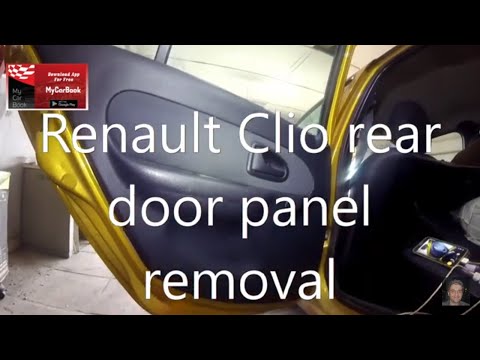
This guide briefly outlines the steps to remove and replace the rear door panel of the Renault Clio. First, open the rear door and start unscrewing t…

Renault Clio
(2005-2013 /
Clio 3, MK 3, Clio III)
To replace the passenger side door panel of the Renault Clio, start by removing the rear plastic cover from the right-hand mirror. Remove the cap cov…
Other guides you may be interested in |
How to Activate the Automatic Folding and Unfolding of the Wing Mirrors on the Jeep Compass
Follow these brief instructions to activate the automatic folding and unfolding of the external wing mirrors on the Jeep Compass. First, get inside the vehicle and turn on the ignition; then press the button located beneath the mirror glass adjustment to electrically open the mirror, as shown in the video. Pressing the button in the opposite direction will close the mirrors; by holding the button, the mirrors will open and close automatically! by ScegliAuto More videos
|
For advertising on this site Write to info@scegliauto.com
ScegliAuto is not responsible for any inaccuracy of the data in the lists. To report any inaccuracy or your business (if you own the business in question), please write to info@scegliauto.com
Number of seconds to generate the page: 0.030
(c) ScegliAuto 2026 - info@scegliauto.com - Privacy policy VAT number: IT01247470535 |
