
|
Do it yourself
| |||
| ||||


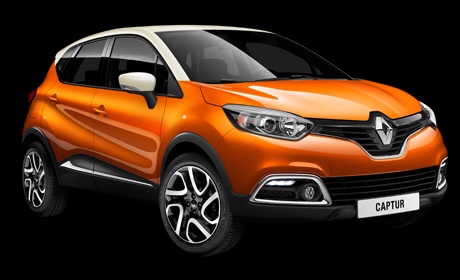
How to Change the Diesel Filter on a Renault Captur 1.5 dCi
Model: Renault Captur
MK 1
- Years 2013-2019
The diesel filter on the Renault Captur is always of the immersion type, but instead of being located at the top of the engine bay, it is positioned lower, inside the front right wheel arch (passenger side), practically under the headlamp. To replace it, it is advisable to lift the vehicle, remove the front right wheel and the corresponding inner lining to access the filter location. Unscrew the fastening nuts of the support clamp to extract it from its housing and disconnect the connector and pipes. At this point, unscrew the fixing screws of the cap, remove the old filter and insert the new one, also replacing the O-ring seals, and then reverse the steps for installation. Before starting the engine, turn the ignition on and off several times to allow the filter to fill.
Updated on 25 February 2026 by ScegliAuto
Video tutorial
Related tutorials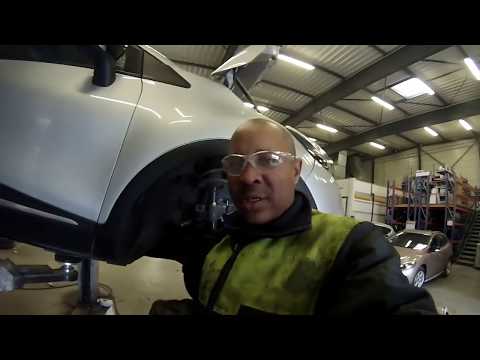
Renault Captur
(2013-2019 /
MK 1)
Let's see in this video how to remove and replace the diesel filter on a Renault Captur 1.5 DCI, first series. First of all we go to lift the car, ev…
Renault Captur
(2013-2019 /
MK 1)
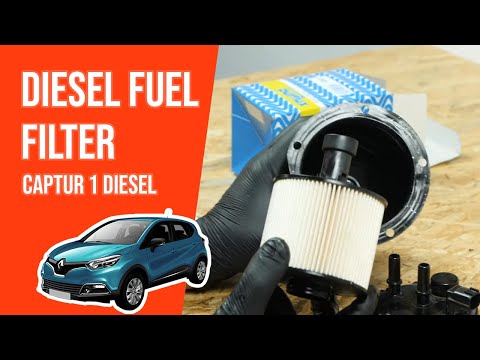
In order to replace the diesel filter of the Renault Captur you have to go and lift the car, so that you can go and loosen the bolts that secure the …
Renault Captur
(2013-2019 /
MK 1)
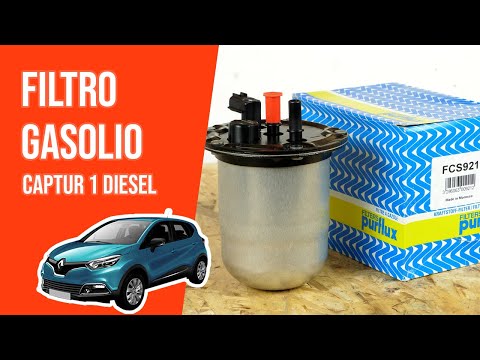
In this video we show you how to replace the diesel filter of the Renault Captur. To begin with, make sure the engine is off and the handbrake is on.…
Other guides you may be interested in
|
Entering Radio Code for Nissan Qashqai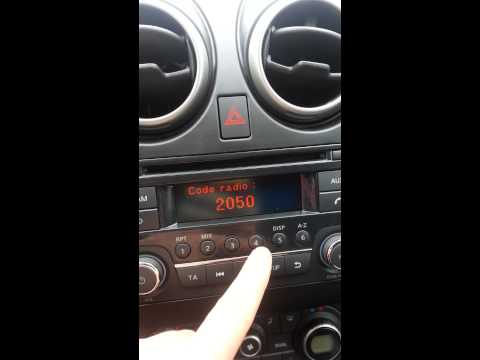
Today, in this very short video tutorial, you will learn how to enter the radio code for a Nissan Qashqai. The radio code can be found in the car's manual, provided by the manufacturer; sometimes it can also be found on the back of the radio. First, get inside the vehicle: when you turn on the radio, it will prompt you to enter the unlock code: input the code as shown in the video. At this point, the radio will unlock, and you can listen to all the music you want! Sometimes the code may not match yours. Check the manual for the correct code. by ScegliAuto More videos
|
For advertising on this site Write to info@scegliauto.com
ScegliAuto is not responsible for any inaccuracy of the data in the lists. To report any inaccuracy or your business (if you own the business in question), please write to info@scegliauto.com
Number of seconds to generate the page: 0.060
(c) ScegliAuto 2026 - info@scegliauto.com - Privacy policy VAT number: IT01247470535 |
