
|
Do it yourself
| |||
| ||||


How to Replace Brake Pads
Model: Saab 9 3
MK 2
- Years 2002-2014
This first part of the video illustrates how to change the brake pads on a 2006 Saab 9-3. A later section will also cover the replacement of the brake disc. The video begins with a detailed description of the tools needed for this operation. You will need, if possible, a pneumatic gun (with a 17 mm socket), a ratchet spanner, new pads, brake lubricant, a star bit for the screwdriver (number 35), a pair of pliers, a jack, a rewind tool kit and interchangeable flanges, and a set of spanners. Using the pliers, remove the five wheel bolt covers. Now position the jack under the car at the designated jacking point, ensuring it is not placed under the bodywork. After raising the car and inserting the support tripod, proceed to unscrew the wheel bolts and remove the wheel. Using the ratchet spanner, remove the pin that holds the caliper in place. With a screwdriver, detach the brake spring and then remove the caliper. At this point, take out the pads. Now you need to find the correct space for the new pads; after selecting the correct flange, mount the pad onto the rewind tool, insert it into the housing, and screw it in until you achieve the right space for the new pad.
Updated on 4 February 2026 by ScegliAuto
Video tutorial
Related tutorials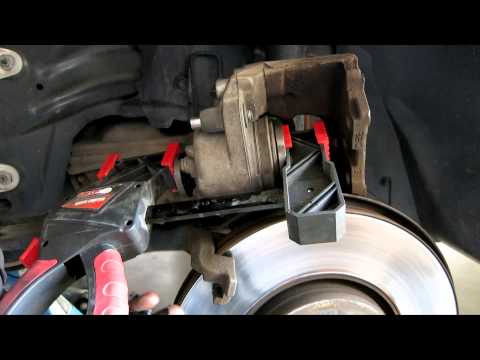
Saab 9 3
(2002-2014 /
MK 2)
Loosen the wheel fastening bolts on the front wheels before lifting the vehicle and complete the disassembly after raising it. Then remove the fasten…
Saab 9 3
(2002-2014 /
MK 2)
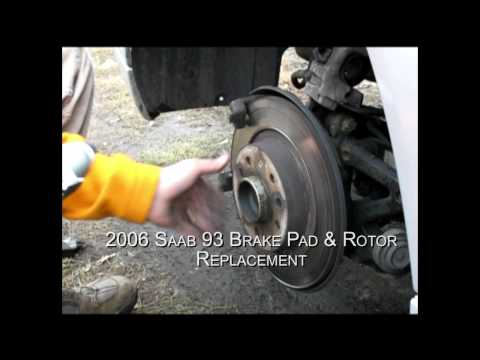
Lift the vehicle on a lift or with a jack (in the latter case, apply axle stands for safety). Remove the wheel and the brake caliper from its support…
Saab 9 3
(2002-2014 /
MK 2)
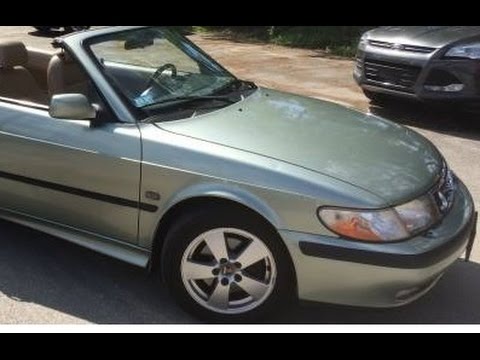
In the case of the vehicle in question, the front shock absorber also includes the hub support: to dismantle it, you must lift the vehicle, remove th…
Other guides you may be interested in
|
How to Update the TomTom on a Renault Scenic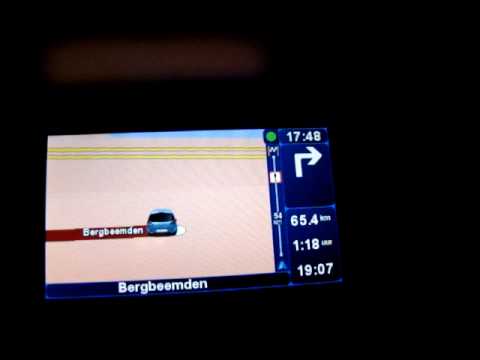
Follow this video to update the original TomTom navigator on a Renault Scenic. This is a very simple operation; enter the vehicle, turn on the instrument panel of your car with the key fob, press the knob located near the gear lever, and find the menu with the update option. Press the knob down and up to confirm, then wait for the necessary time for the device to update. Finally, the onboard computer will display the successful update of the navigator; check everything and turn off the instrument panel with the appropriate key. by ScegliAuto More videos
|
|
For advertising on this site Write to info@scegliauto.com
ScegliAuto is not responsible for any inaccuracy of the data in the lists. To report any inaccuracy or your business (if you own the business in question), please write to info@scegliauto.com
Number of seconds to generate the page: 0.063
(c) ScegliAuto 2026 - info@scegliauto.com - Privacy policy VAT number: IT01247470535 |
