
|
Do it yourself
| |||
| ||||


How do you reset the Service light on a Saab 9-3?
Model: Saab 9 3
MK 2
- Years 2002-2014
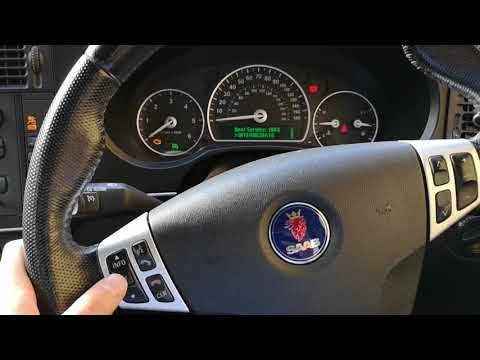
The procedure for resetting the Service light on the Saab 9-3 is done by turning on the instrument panel and turning the appropriate key within its ignition block. Once the panel is turned on, you can scroll through the menu using the directional arrows on the left-hand side of the steering wheel. By selecting the option that indicates how much time is left until the next service, and holding down the SET button, the maintenance interval will be reset and the Service light will be reset.
Posted on 27 June 2023 by ScegliAuto
Video tutorial
Related tutorials
Saab 9 3
(2002-2014 /
MK 2)
It will be possible to completely delete the Service light of the Saab 9-3 by turning on the instrument panel and inserting the ignition key into the…
Saab 9 3
(2002-2014 /
MK 2)
In this video we see how to reset the service light of the Saab 83 MK2: we see on the dashboard the small wrench symbol that indicates we need to res…

Saab 9 3
(2002-2014 /
MK 2)
The Service indicator of the Saab 9 3 can be reset by turning on the instrument panel, turning the ignition key inside its corresponding block: once …
Other guides you may be interested in
|
How to Remove the Rear Wiper Blade on a Citroen C3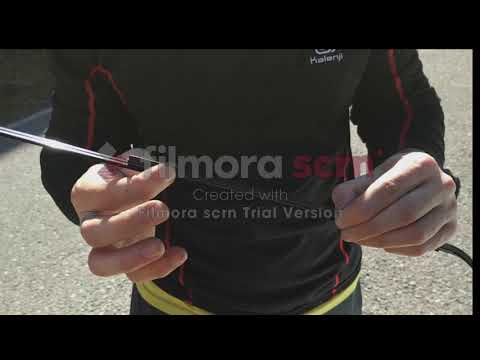
This guide shows you how to remove and replace the rear wiper blade on a Citroen C3. Grasp the rear wiper blade with your hands, gently pull the rubber from the moving blade (without breaking it), and slide it off the arm on the left. Fit the new wiper rubber onto the arm (if the rubber is original, you may need to adjust the length by cutting it as shown). Finally, lower the wiper arm onto the rear window and test the new blade by activating the rear wiper. It is always preferable to use original parts for better durability and quality. by ScegliAuto More videos
|
|
For advertising on this site Write to info@scegliauto.com
ScegliAuto is not responsible for any inaccuracy of the data in the lists. To report any inaccuracy or your business (if you own the business in question), please write to info@scegliauto.com
Number of seconds to generate the page: 0.127
(c) ScegliAuto 2026 - info@scegliauto.com - Privacy policy VAT number: IT01247470535 |
