
|
Do it yourself
| |||
| ||||


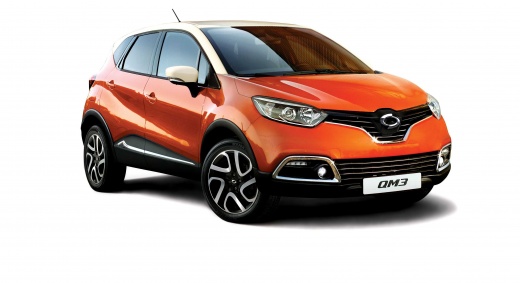
How to Replace the Remote Battery on a Samsung QM3?
Model: Samsung Qm3
MK 1
- Years:
2013, 2014, 2015, 2016, 2017, 2018, 2019
Video tutorial
Replacing the battery in the remote for a Samsung QM3, as shown in this tutorial, is a very simple and quick operation. First, obtain a replacement battery of type CR2032. Start by pressing the button on the right edge to extract the emergency metal key, then use the tip of the key or a screwdriver to pry open the small door in the newly exposed slot. Once done, you will have access to the battery and can proceed with its replacement. Make sure to position the replacement battery correctly.
Updated on 26 May 2026 by ScegliAuto
Related tutorials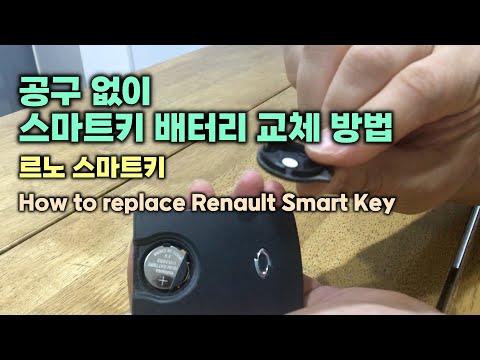
Samsung Qm3
(2013-2019 /
MK 1)
In this tutorial, you will see how to replace the battery in the Samsung QM3 remote, a very simple and quick operation. You won't need any special to…

Samsung Qm3
(2013-2019 /
MK 1)
In this brief guide, you will find the necessary instructions to remove and replace the battery in a Samsung Qm3. First, open the hood of your car an…
Samsung Qm3
(2013-2019 /
MK 1)
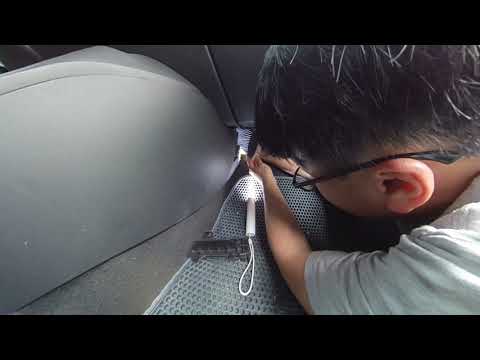
Replacing the cabin filter in the Samsung QM3 is a very simple and inexpensive task. First, go to the passenger seat and locate the long rectangular …
Other guides you may be interested in
|
Where are the fuses located on the Renault Laguna?
On the Renault Laguna, the fuses are located inside the fuse boxes installed in the vehicle: in this car model, you will find two boxes for containing the fuses. The first is in the fuse box on the left side of the dashboard, accessible by opening the driver's door: here you will find the fuses for the windscreen wipers, fog lights, horn, etc. The second box is located on the right side of the engine compartment: here you will find the fuses for the dipped headlights, radiator fan, alternator, etc. by ScegliAuto More videos
|
|
For advertising on this site Write to info@scegliauto.com
ScegliAuto is not responsible for any inaccuracy of the data in the lists. To report any inaccuracy or your business (if you own the business in question), please write to info@scegliauto.com
Number of seconds to generate the page: 0.104
(c) ScegliAuto 2026 - info@scegliauto.com - Privacy policy VAT number: IT01247470535 |
