
|
Do it yourself
| |||
| ||||


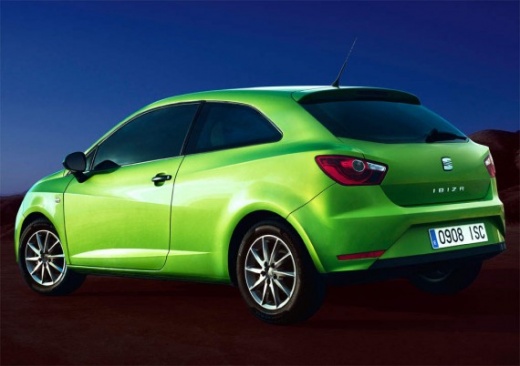
How to Reset the Service Light on a 2015 Seat Ibiza?
Model: Seat Ibiza
- Years:
2008, 2009, 2010, 2011, 2012, 2013, 2014, 2015, 2016, 2017
Video tutorial
The procedure to reset the service light on a 2015 Seat Ibiza is very simple and applies to all Seat Ibiza vehicles produced between 2008 and 2017, as well as Seat Leon vehicles from the same years. To reset the light, all you need to do is locate the SET button on the dashboard, below the display, and hold it down while turning on the instrument panel. Continue to hold it down until the display shows the service message, at which point release it and press it again briefly to confirm.
Posted on 14 October 2026 by ScegliAuto
Related tutorials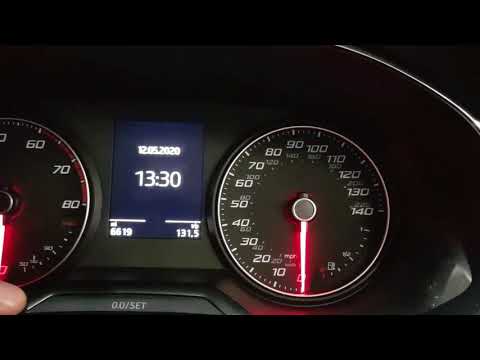
Seat Ibiza
(2017-2026 /
KJ, 6F)
In today's video, learn how to reset the service light on a Seat Ibiza currently for sale. First, ensure you only proceed after completing the regula…
Seat Ibiza
(2008-2017 /
6P, 6J)
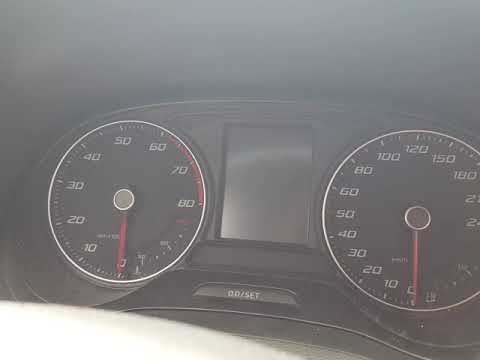
There are two ways to reset the service light on the 2016 Seat Ibiza. The first is probably the simplest, as shown by the YouTuber. With the instrume…
Seat Ibiza
(2008-2017 /
6P, 6J)
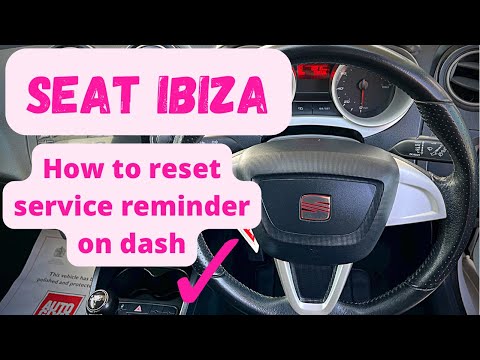
To reset the service light on a Seat Ibiza 6j - after completing the services included in the service interval - get in the vehicle and close the doo…
Other guides you may be interested in
|
How to Change the Time on the Peugeot 208
Today's guide will show you how to set the clock on the Peugeot 208's onboard computer, following the instructions below. First, get in the car and turn on the instrument panel; then press and hold the settings button on the panel for a few seconds until the time starts to flash, as shown in the video. At this point, press the left button to correctly set the time, adjusting the hour first and then the minutes; exit the onboard computer menu to save all the changes made! by ScegliAuto More videos
|
|
For advertising on this site Write to info@scegliauto.com
ScegliAuto is not responsible for any inaccuracy of the data in the lists. To report any inaccuracy or your business (if you own the business in question), please write to info@scegliauto.com
Number of seconds to generate the page: 0.022
(c) ScegliAuto 2026 - info@scegliauto.com - Privacy policy VAT number: IT01247470535 |
