
|
Do it yourself
| |||
| ||||


How to update the firmware of the radio in the Seat Leon MK3
Model: Seat Leon
MK 3, 5F
- Years 2012-2019
In this video we can see how to update the firmware of the Seat Leon MK3 car radio: we insert the SD card into the slot located in the glove compartment, and then update the software. From the main menu we go to service mode by holding down the "menu" button and then select software update: click on "update" at the bottom right, and see that it reads the SD card we have installed; confirm the device reading, and it tells us everything that will be updated and then start the process. There will be several restarts, and the whole procedure can take about 20/30 minutes.
Posted on 4 July 2024 by ScegliAuto
Video tutorial
Related tutorials
Seat Leon
(2012-2019 /
MK 3, 5F)
The following video tutorial shows the steps to reset the tyre pressure monitoring system (TPMS) light on a Seat Leon model 3, produced from 2012 to …
Seat Leon
(2012-2019 /
MK 3, 5F)
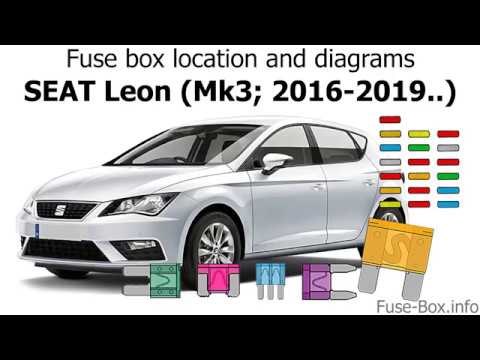
The fuses in the Seat Leon are divided between two fuse boxes located within the vehicle: the first is situated inside the cabin, behind the glove co…
Seat Leon
(2012-2019 /
MK 3, 5F)
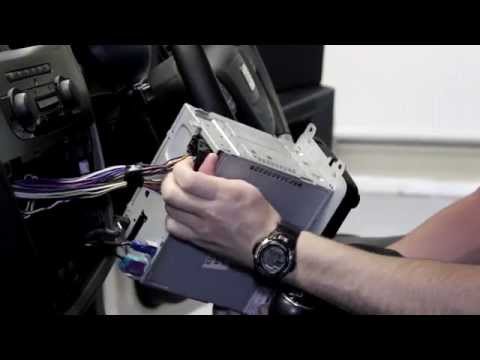
How to remove the radio from the Seat Leon? Let’s see how to dismantle the radio and the plastics. Remove the protective trim fixed around the radio …
Other guides you may be interested in
|
How to Open a Stuck Boot on the Peugeot 407?
On the Peugeot 407, the boot may become stuck, possibly due to a problem with the control button or the lock actuator. In such cases, you can perform an emergency opening by following the simple procedure shown in this tutorial. First, open the rear doors, then lower the seat back by operating the release lever. Next, go inside the boot, locate the lock, and manually operate it using a flathead screwdriver. The boot will then be free to open. by ScegliAuto More videos
|
|
For advertising on this site Write to info@scegliauto.com
ScegliAuto is not responsible for any inaccuracy of the data in the lists. To report any inaccuracy or your business (if you own the business in question), please write to info@scegliauto.com
Number of seconds to generate the page: 0.498
(c) ScegliAuto 2026 - info@scegliauto.com - Privacy policy VAT number: IT01247470535 |
