
|
Do it yourself
| |||
| ||||



How to Replace the Bulbs on a Smart Fortwo
Model: Smart Smart
451
- Years:
2007, 2008, 2009, 2010, 2011, 2012, 2013, 2014, 2015
Video tutorial
Want to replace the front headlamp bulbs on your Smart Fortwo? Let's see how to proceed. Open the plastic levers located at the sides of the front grille with your hands. Once the front plastic is free, lift it upwards, then remove it from the vehicle body as shown in the video. After removing the mentioned piece, take out the headlamps from the vehicle body and replace the bulbs. For reassembly: screw the headlamps back into place, secure the plastic cover at the front of the vehicle and then at the bottom. Finally, close the levers for the bonnet.
Updated on 27 February 2026 by ScegliAuto
Related tutorials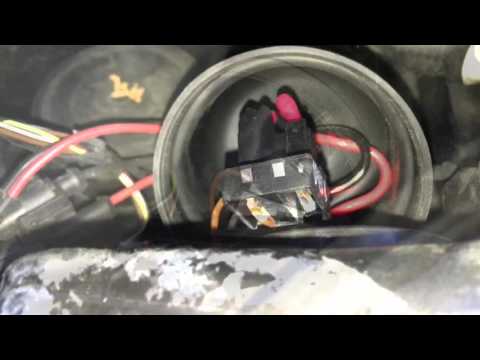
Smart
(2007-2015 /
451)
Want to remove the damaged bulbs from your Smart Fortwo? First, remove the front bonnet and locate the rear cover of the front headlights. Remove the…
Smart
(2014-2022 /
453)
How to remove the rear headlamp of a Smart Fortwo to replace the bulbs? Follow these steps: open the boot lid, use a screwdriver to unscrew the secur…
Smart
(2007-2015 /
451)
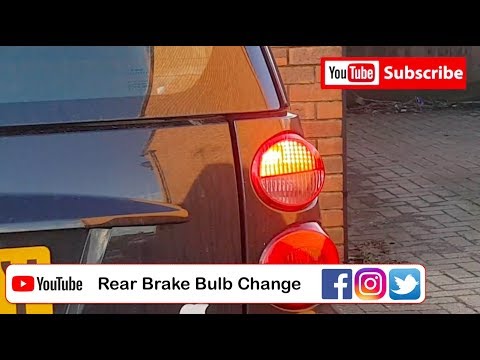
Are the rear light bulbs on your Smart Fortwo not working anymore? Follow this guide to replace the bulbs: open the boot lid, remove the plastic pane…
Other guides you may be interested in
|
How to replace the battery in the key of the Opel Corsa F
To independently replace the battery inside the key of your Opel Corsa F, you only need a few minutes. All you have to do is carefully read the following guide and apply the described steps. First, ensure you have a small flat screwdriver and, of course, a new compatible button battery for your Opel Corsa F key. At this point, use the flat screwdriver to remove the rear cover of the key and take out the old battery. Finally, insert the new battery and close the cover. by ScegliAuto More videos
|
|
For advertising on this site Write to info@scegliauto.com
ScegliAuto is not responsible for any inaccuracy of the data in the lists. To report any inaccuracy or your business (if you own the business in question), please write to info@scegliauto.com
Number of seconds to generate the page: 0.094
(c) ScegliAuto 2026 - info@scegliauto.com - Privacy policy VAT number: IT01247470535 |
