
|
Do it yourself
| |||
| ||||


How to replace the alternator in the Smart ForTwo?
Model: Smart Smart
451
- Years 2007-2015
In this tutorial we can see how to replace the alternator in the Smart ForTwo, an operation that requires good manual skills. First of all, disconnect the negative terminal of the battery, then lift the rear side of the vehicle and remove both wheels, the wheel arches and the entire bumper. Continue by removing the transverse support bar, remove the belt cover, release the belt itself, support the engine with a jack and, by unscrewing the bolts, lower the entire rear bridge. At this point we will be able to replace the alternator and reassemble everything following the reverse procedure.
Posted on 12 November 2024 by ScegliAuto
Video tutorial
Related tutorials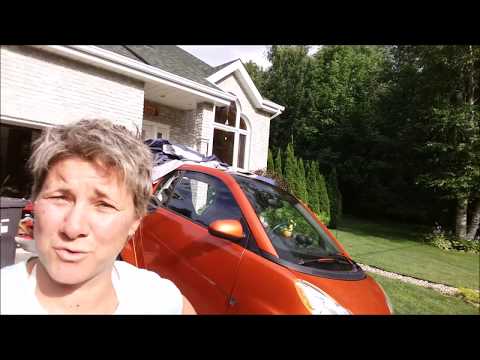
Smart
(2007-2015 /
451)
Is the alternator on your Smart Fortwo damaged? Here’s how to remove it. Disconnect the battery terminals located in the cabin. Open the engine compa…
Smart
(1998-2007 /
450)
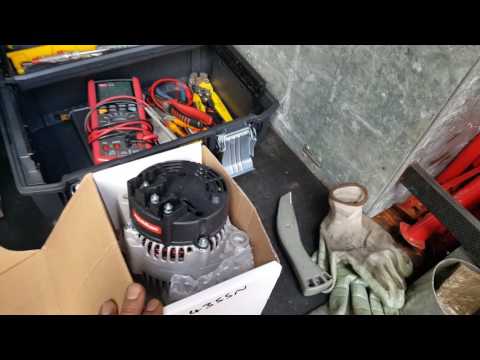
Here’s how to remove a damaged alternator on a Smart Fortwo. Disconnect the battery terminals located in the cabin of the Smart. Open the engine comp…
Smart
(2007-2015 /
451)
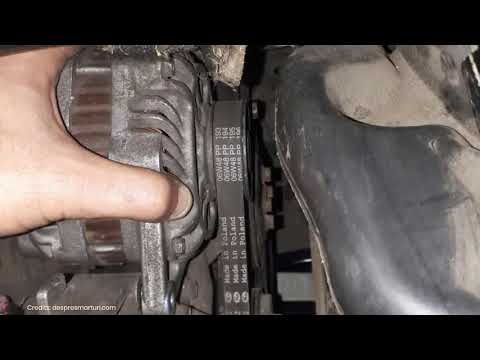
Before we can begin, we will have to go and lift the rear side of our Smart ForTwo. So let's start by unscrewing and removing the bolts that secure t…
Other guides you may be interested in
|
Frequently Asked QuestionsHow to Replace a Damaged Wheel on a Nissan Qashqai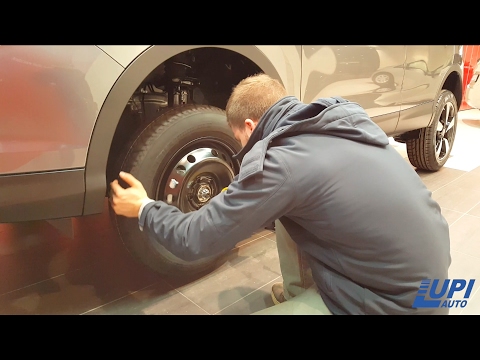
Learn how to replace a damaged wheel on a Nissan Qashqai: open the boot and take the wheel removal kit which includes: jack, jack lever, screwdriver, wheel nut key (if present), telescopic wrench, spare wheel. Position the jack under the jacking point of the vehicle (under the stiffest part of the chassis), lift the car slightly and loosen the wheel nuts. Raise the car with the jack lever and unscrew the nuts, then remove the damaged wheel. Fit the spare wheel onto the hub with the respective nuts and lower the car to the ground. Always remember to store the removal kit back in the boot. by ScegliAuto More videos
|

|
For advertising on this site Write to info@scegliauto.com
ScegliAuto is not responsible for any inaccuracy of the data in the lists. To report any inaccuracy or your business (if you own the business in question), please write to info@scegliauto.com
Number of seconds to generate the page: 0.098
(c) ScegliAuto 2026 - info@scegliauto.com - Privacy policy VAT number: IT01247470535 |
