
|
Do it yourself
| |||
| ||||


Replace the Rear Light Bulbs on a Smart Fortwo
Model: Smart Smart
451
- Years 2007-2015
In this video, learn how to replace the rear light bulbs on a Smart Fortwo. Open the boot, remove the plastic cover located at the sides of the compartment, and move the cloth aside. Once these steps are completed, detach the bulb holder from the rear light as shown in the video. Replace the damaged bulbs with new ones (ensuring the voltage and size match the original). Finally, reassemble the bulb holder in the light, cover it with the protective cloth, and close it with the plastic cap. Test the correct operation of the lights and proceed to reassemble the other parts.
Updated on 28 February 2026 by ScegliAuto
Video tutorial
Related tutorials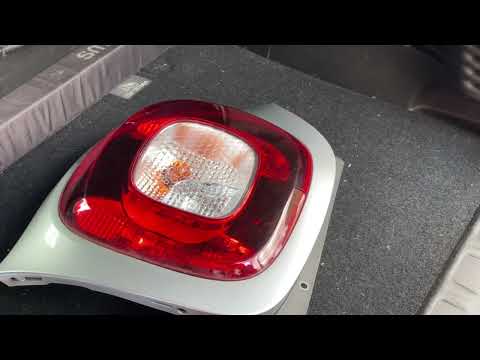
Smart
(2014-2022 /
453)
As we can see in this tutorial, replacing the rear light bulbs in the Smart ForTwo is an extremely simple and fast operation. First of all, make sure…
Smart
(2007-2015 /
451)
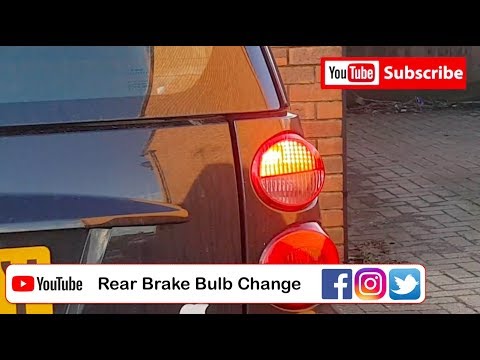
Are the rear light bulbs on your Smart Fortwo not working anymore? Follow this guide to replace the bulbs: open the boot lid, remove the plastic pane…
Smart
(2007-2015 /
451)
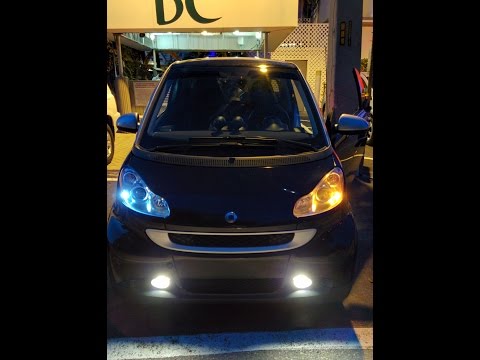
This guide shows how to replace damaged bulbs on the front headlamp of a Smart Fortwo. Once you have removed the bodywork section as shown in the vid…
Other guides you may be interested in
|
How to Replace a Damaged Wheel on a Nissan Qashqai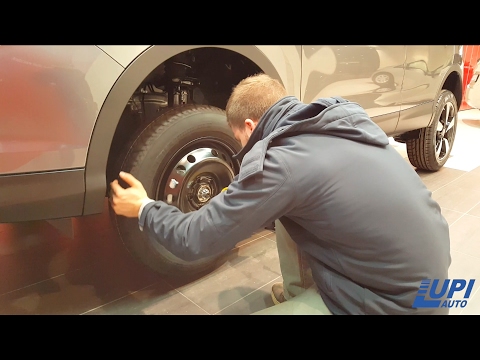
Learn how to replace a damaged wheel on a Nissan Qashqai: open the boot and take the wheel removal kit which includes: jack, jack lever, screwdriver, wheel nut key (if present), telescopic wrench, spare wheel. Position the jack under the jacking point of the vehicle (under the stiffest part of the chassis), lift the car slightly and loosen the wheel nuts. Raise the car with the jack lever and unscrew the nuts, then remove the damaged wheel. Fit the spare wheel onto the hub with the respective nuts and lower the car to the ground. Always remember to store the removal kit back in the boot. by ScegliAuto More videos
|

|
For advertising on this site Write to info@scegliauto.com
ScegliAuto is not responsible for any inaccuracy of the data in the lists. To report any inaccuracy or your business (if you own the business in question), please write to info@scegliauto.com
Number of seconds to generate the page: 0.056
(c) ScegliAuto 2026 - info@scegliauto.com - Privacy policy VAT number: IT01247470535 |
