
|
Do it yourself
| |||
| ||||


How to Replace the Rear Headlamp Bulbs on a Smart Fortwo
Model: Smart Smart
453
- Years 2014-2022
How to remove the rear headlamp of a Smart Fortwo to replace the bulbs? Follow these steps: open the boot lid, use a screwdriver to unscrew the securing screws next to the rear headlamp. Once the screws are removed, pull the headlamp out along with the connected power connectors; remove the bulbs. Connect the new bulbs to the headlamp connectors. After this, refit the headlamp and screw in the attached screws. Finally, check the proper functioning of the lights, always remembering to install approved bulbs.
Updated on 1 March 2026 by ScegliAuto
Video tutorial
Related tutorials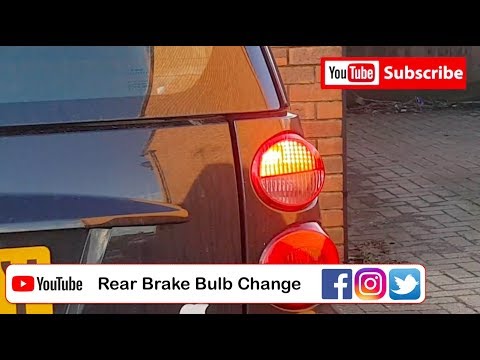
Smart
(2007-2015 /
451)
Are the rear light bulbs on your Smart Fortwo not working anymore? Follow this guide to replace the bulbs: open the boot lid, remove the plastic pane…
Smart
(1998-2007 /
450)
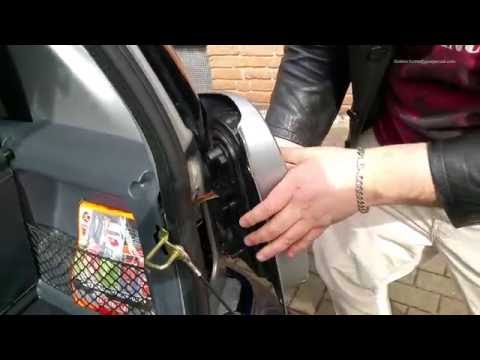
How do you replace the rear light bulbs on a Smart Fortwo? In this video, learn how to replace damaged bulbs: open the boot lid, and using a screwdri…
Smart
(2014-2022 /
453)
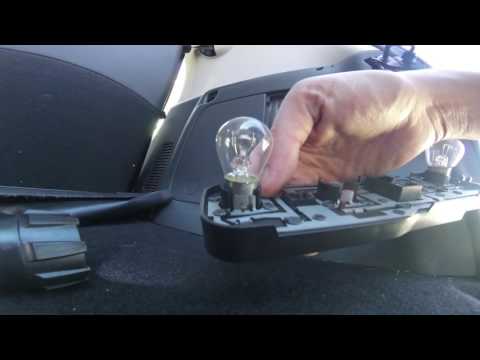
How to remove the rear headlamp bulb of a Smart Fortwo? Let's look at replacing the damaged part. Remove the plastic panel covering the rear headlamp…
Other guides you may be interested in |
How to Remove the Centre Console on a Renault Scenic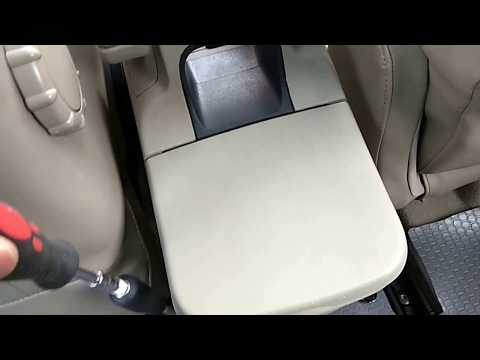
Watch this video to learn how to remove the glove compartment from the rear cover of the centre console on a Renault Scenic. Use a plastic lever to pry at the edge of the side plastics as shown in the video. Once the plastics are removed, unscrew the screws located at the sides of the centre console with a suitable screwdriver, and disconnect all the power connectors. Remove the side rests from the glove compartment. Fit the new piece onto the centre cover and proceed with the assembly of the remaining parts, working in reverse order. by ScegliAuto More videos
|

|
For advertising on this site Write to info@scegliauto.com
ScegliAuto is not responsible for any inaccuracy of the data in the lists. To report any inaccuracy or your business (if you own the business in question), please write to info@scegliauto.com
Number of seconds to generate the page: 0.056
(c) ScegliAuto 2026 - info@scegliauto.com - Privacy policy VAT number: IT01247470535 |
