
|
Do it yourself
| |||
| ||||


How to reset the "Service" light on a Smart ForFour
Model: Smart Smart
453
- Years 2014-2022
The "Service" light is activated every time the machine requires a service, so before carrying out this operation, make sure that the machine has been serviced. Before we can begin, we will have to activate the instrument panel, but without starting the engine. We then proceed with making the "Messages and Service" screen appear on the multifunction display, using the arrows on the multifunction steering wheel. Once this is done, we will have to hold down the "OK" button, also present on the steering wheel, until the service is reset, and we have successfully completed the reset.
Posted on 28 November 2020 by ScegliAuto
Video tutorial
Related tutorials
Smart
(2004-2006 /
Fourfour1, 454)
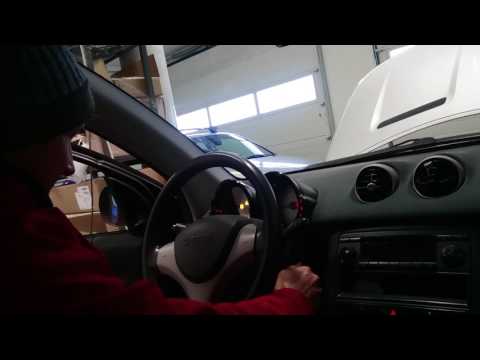
Today's information will show us how to reset the maintenance service warning of the Smart Forfour, in simple and quick steps. First of all, we get i…
Smart
(2004-2006 /
Fourfour1, 454)
The operation of resetting the Service light of the Smart Forfour is done by holding down the button located in the upper left part of the instrument…

Smart
(2014-2022 /
453)
These short and simple instructions will allow us to reset the maintenance reminder (service) on the Smart Forfour, as well as on the Fortwo. First o…
Other guides you may be interested in
|
How to Replace the Key Battery of the Renault Clio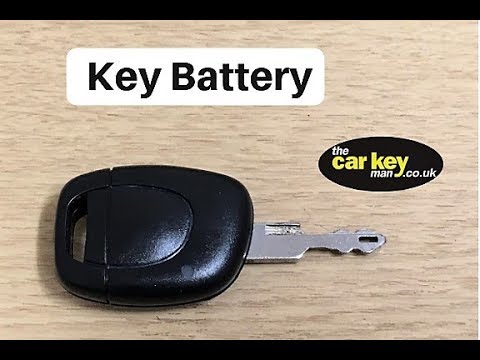
This operation is very simple and will only take a few minutes. First, divide the two parts of the key by lifting them with a flathead screwdriver at the four clips near the metal key, sliding the upper flap upwards to separate them. This will give you access to the battery located above the key's circuit board. Remove it to make space for the new battery, ensuring you install it in the correct orientation. To reassemble, simply reverse the steps described above. by ScegliAuto More videos
|

|
For advertising on this site Write to info@scegliauto.com
ScegliAuto is not responsible for any inaccuracy of the data in the lists. To report any inaccuracy or your business (if you own the business in question), please write to info@scegliauto.com
Number of seconds to generate the page: 0.076
(c) ScegliAuto 2026 - info@scegliauto.com - Privacy policy VAT number: IT01247470535 |
