
|
Do it yourself
| |||
| ||||


Smart Fortwo 451 lambda probe disassembly instructions
Model: Smart Smart
451
- Years 2007-2015
In this tutorial we will see the instructions that will allow us to remove the lambda probe, or the oxygen sensor, on a Smart Fortwo 451. Our sensor is placed on the catalyst of our muffler, which we find on the back; to access it comfortably it will be necessary to remove the rear bumper. Once disassembled we go to identify our lambda probe and with a wrench we go to unscrew it; after having removed it, disconnect the electrical connector of the sensor and replace it with the new one. We just have to screw first by hand and then tighten with the key and reconnect the electrical connector!
Posted on 16 December 2020 by ScegliAuto
Video tutorial
Related tutorials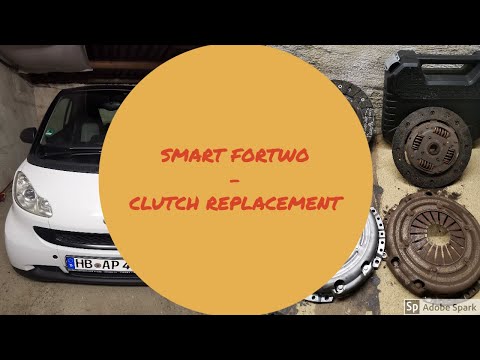
Smart
(2007-2015 /
451)
In today's video tutorial we will see the main steps to be able to remove and replace the clutch in a Smart Fortwo 451 1.0 MHD. To access the clutch …
Smart
(2007-2015 /
451)
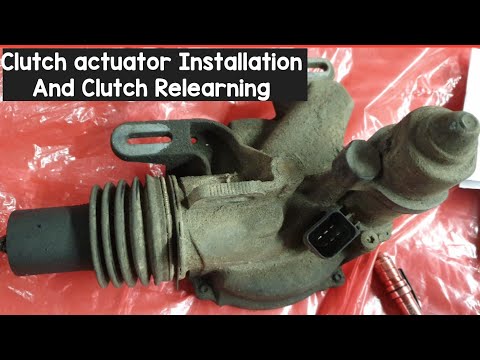
In today's video tutorial we will see how to install the clutch actuator on the Smart Fortwo 451, following the instructions below. First of all we l…

Smart
(1998-2007 /
450)
The instructions provided in this guide will show us the procedure for disassembling and replacing the lambda probe of the Smart Fortwo. First, let's…
Other guides you may be interested in
|
How to Remove the Interior Light of a Mini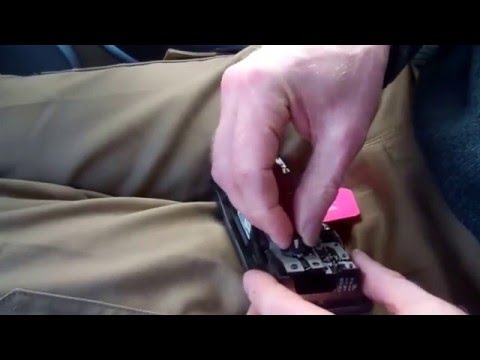
Remove the interior light of a Mini: use a screwdriver or plastic lever to pry between the cover and the light itself (avoid damaging the headlining), pull the cover out from the panel and disconnect the power connector after removing it. Replace the damaged bulb with a new one (same size and voltage). Refit the light into its housing (push it in with your hands until the metal clips are fully locked). Test the light's functionality before completely refitting the piece. by ScegliAuto More videos
|

|
For advertising on this site Write to info@scegliauto.com
ScegliAuto is not responsible for any inaccuracy of the data in the lists. To report any inaccuracy or your business (if you own the business in question), please write to info@scegliauto.com
Number of seconds to generate the page: 0.106
(c) ScegliAuto 2026 - info@scegliauto.com - Privacy policy VAT number: IT01247470535 |
