
|
Do it yourself
| |||
| ||||


Reset the maintenance indicator on the Smart 450
Model: Smart Smart
450
- Years 1998-2007
How to reset the maintenance indicator on the Smart? Let's see how to reset the light. To begin with, let's get into the car, then turn on the instrument panel and check the light on. We turn off the instrument panel, then turn it on again, press the button in a fixed way, the one behind the instrument panel, on the left. We will see reset the maintenance light. We use the information displays to check all the various info of the car. We turn off the instrument panel at the end of the setting. We carry out the various settings of the car always respecting our safety.
Posted on 31 July 2021 by ScegliAuto
Video tutorial
Related tutorials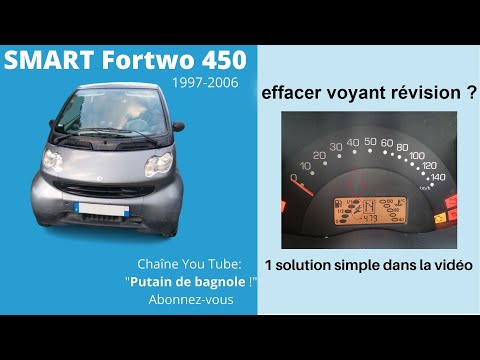
Smart
(1998-2007 /
450)
If, when you start your Smart Fortwo 450 (year 1998-2007), you notice that the maintenance light remains on despite having recently had a service, th…
Smart
(1998-2007 /
450)
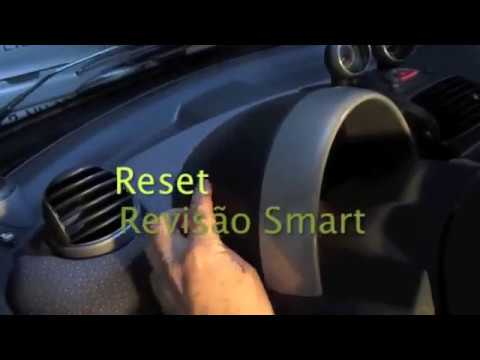
How to reset the light on a Smart Fortwo? Let's see how to reset the warning light that appears on the instrument panel. We turn on the instrument pa…
Smart
(1998-2007 /
450)
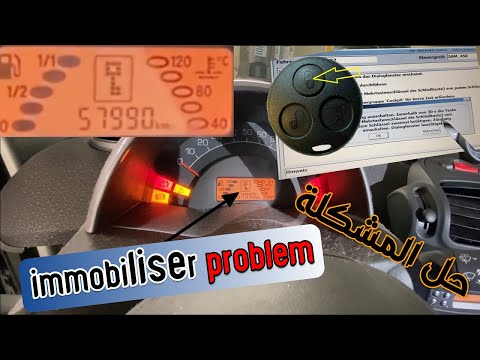
When the immobilizer warning light appears on the Smart 450 instrument panel, it means that the ignition key that has been inserted is not recognised…
Other guides you may be interested in |
Frequently Asked QuestionsReset Engine Light on Fiat 500L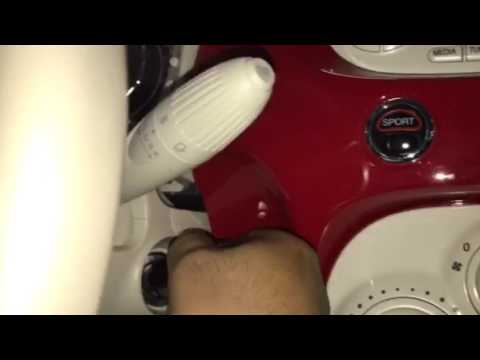
Want to reset the engine light on a Fiat 500L? Turn on the ignition with the key, press the accelerator pedal three times in quick succession (then release the pedal), and turn off the instrument cluster with the key. Turn the instrument cluster back on with the key and wait for it to illuminate (check if the light is present or not). Finally, check the changes made to the car. Always remember to make changes to the onboard computer while the vehicle is stationary and turned off. Use the instrument cluster for all types of car settings. by ScegliAuto More videos
|
|
For advertising on this site Write to info@scegliauto.com
ScegliAuto is not responsible for any inaccuracy of the data in the lists. To report any inaccuracy or your business (if you own the business in question), please write to info@scegliauto.com
Number of seconds to generate the page: 0.048
(c) ScegliAuto 2026 - info@scegliauto.com - Privacy policy VAT number: IT01247470535 |
